How to Fix a Cracked Laptop Screen (And When to Replace It)
A cracked laptop screen is one of the most frustrating problems anyone can face. Whether it happens after an accidental drop, pressure on the lid, or simply wear and tear, a damaged screen can make your laptop almost unusable. From small hairline cracks to completely shattered displays, the issue not only affects visibility but can also lead to further internal damage if ignored.
If you live in areas like Edmonton, Saint Albert, Sherwood Park, Summerside, or nearby, understanding your repair options can save you both time and money. In this guide, we’ll walk you through everything you need to know about fixing a cracked laptop screen, when it’s worth repairing, and when replacement is the smarter choice.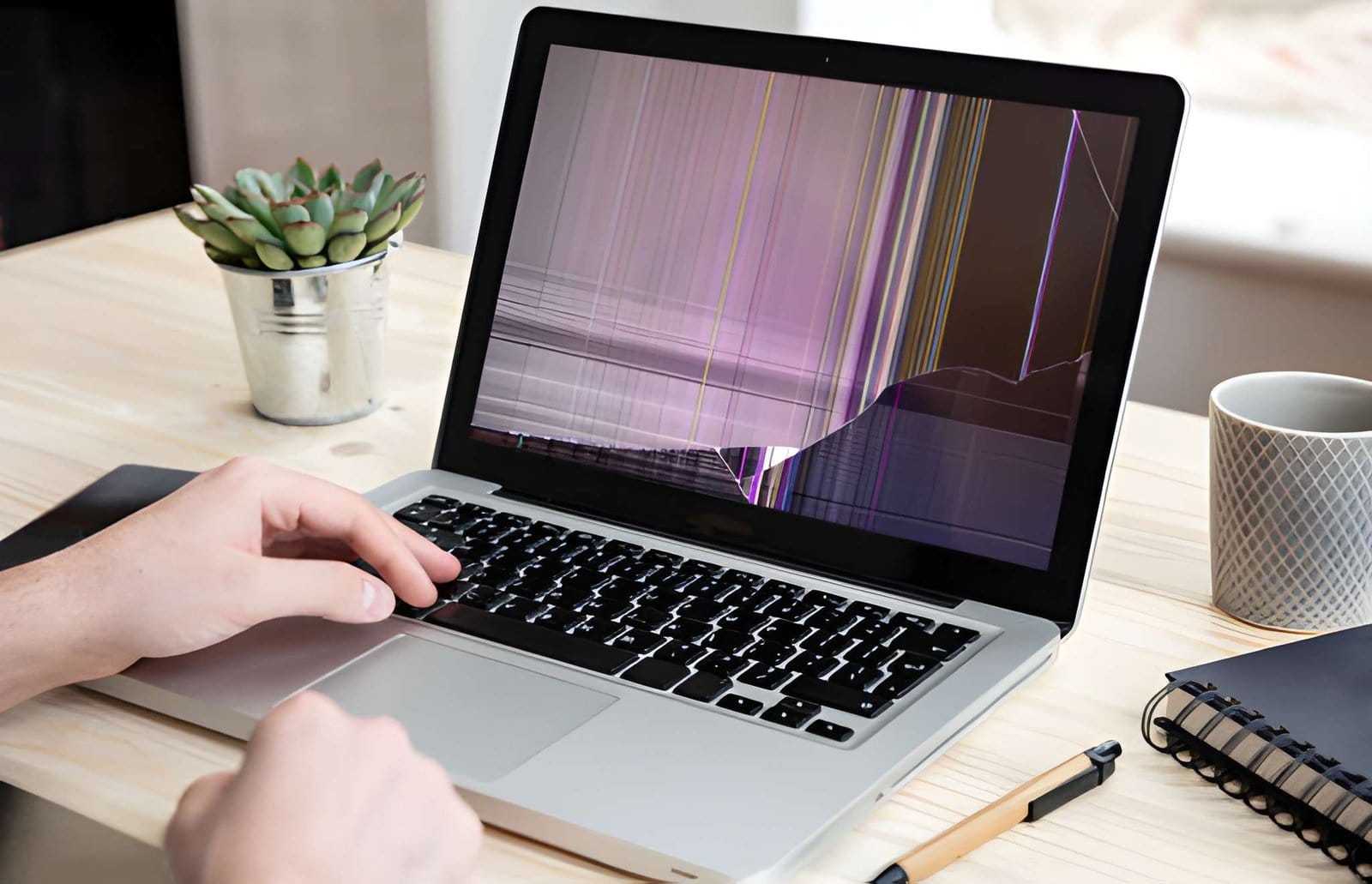
What Causes a Laptop Screen to Crack?
Laptop screens are fragile, and even a small amount of pressure can cause damage. Here are the most common reasons:
1. Accidental Drops
Dropping your laptop, even from a short height, can easily crack the screen.
2. Pressure on the Lid
Placing heavy objects on your laptop or closing it with something inside (like a pen or charger) can damage the display.
3. Twisting or Improper Handling
Carrying your laptop with one hand or holding it from a corner can stress the screen.
4. Manufacturing Weakness
In rare cases, screens may crack due to structural weaknesses or poor build quality.
Types of Laptop Screen Damage
Not all screen damage is the same. Identifying the type of damage helps determine whether it can be fixed or needs replacement.
Hairline Cracks
Small cracks that may not immediately affect usability but can spread over time.
Black Spots or Ink Bleeding
These appear when internal LCD layers are damaged.
Flickering Screen
May indicate loose connections or internal damage.
Completely Shattered Screen
The display becomes unusable and requires immediate action.
Can You Fix a Cracked Laptop Screen Yourself?
This is a common question, and the honest answer is: it depends on the severity of the damage.
When DIY Might Work
- Minor cosmetic cracks
- No display issues
- External screen
- protector damage
DIY Fix Options
1. Temporary Screen Fix (Not Permanent)
Some people use clear tape or screen protectors to prevent cracks from spreading. While this doesn’t fix the issue, it can make the screen usable for a short time.
2. External Monitor Solution
If your laptop still works, you can connect it to an external monitor using HDMI or VGA. This is a great temporary solution until you decide on repair or replacement.
Why DIY Repairs Are Risky
Trying to fix a cracked laptop screen yourself can lead to more problems:
- Damage to internal components
- Voiding your warranty
- Incorrect installation
- Risk of electric shock
Modern laptops are delicate, and even a small mistake can increase repair costs.
When Should You Replace a Laptop Screen?
Sometimes repair isn’t enough, and replacement becomes necessary. Here are clear signs:
1. The Screen Is Completely Broken
If you see multiple cracks, black patches, or no display at all, replacement is the only option.
2. Touchscreen Not Working
For touchscreen laptops, cracks often affect responsiveness.
3. Display Issues Getting Worse
If flickering, lines, or discoloration are increasing, don’t delay.
4. Internal Damage
If the LCD panel is damaged, repairs won’t work, replacement is required.
Laptop Screen Replacement: What to Expect
Getting a Laptop Screen Replacement is more common than you might think. The process is straightforward when handled by professionals.
Step 1: Diagnosis
A technician checks the extent of the damage and confirms whether replacement is needed.
Step 2: Screen Matching
Not all screens are the same. The correct size, resolution, and connector type must match your laptop model.
Step 3: Installation
The damaged screen is removed and replaced with a new one.
Step 4: Testing
The new screen is tested for brightness, color, and performance.
How Much Does It Cost to Fix a Cracked Laptop Screen?
The cost depends on several factors:
- Laptop brand and model
- Screen size and quality
- Touchscreen vs non-touchscreen
- Labor charges
Average Price Range:
- Basic screens: $80 – $150
- Mid-range laptops: $150 – $300
- High-end or touchscreen: $300+
If you’re in Edmonton, Saint Albert, Sherwood Park, or Summerside, prices may vary depending on service providers and urgency.
Repair vs Replacement: Which One Is Better?
Let’s break it down:
| Situation | Best Option |
|---|---|
| Minor crack, no display issue | Temporary fix |
| Visible lines or flickering | Repair/Check |
| Screen shattered | Replacement |
| Old laptop | Consider upgrade |
| New laptop | Replace screen |
Why Professional Repair Is the Best Choice
Instead of taking risks, choosing a professional service ensures:
- Correct installation
- Warranty on parts
- Safe handling
- Long-term reliability
A trusted service provider like Akal IT Services can handle screen repairs efficiently and ensure your device works like new again.
How Long Does Screen Replacement Take?
In most cases:
- Standard replacement: 1–2 hours
- Complex models: Same day or next day
If parts are available, the process is usually quick and hassle-free.
Tips to Prevent Laptop Screen Damage
Prevention is always better than repair. Here are some simple tips:
Use a Laptop Sleeve
Protects your device from impact.
Avoid Pressure
Never place heavy objects on your laptop.
Close Carefully
Always check the keyboard before closing the lid.
Handle with Both Hands
Avoid holding your laptop from one corner.
Keep Away from Edges
Prevent accidental drops.
Should You Repair or Buy a New Laptop?
This depends on your situation:
Repair is better if:
- Laptop is less than 3–4 years old
- Performance is still good
- Cost of repair is reasonable
Replace the laptop if:
- Device is outdated
- Repair cost is too high
- Multiple issues exist
Local Repair Services in Edmonton & Nearby Areas
If you’re located in Edmonton, Saint Albert, Sherwood Park, Summerside, or nearby areas, finding a reliable technician is important. Local services offer:
- Faster turnaround time
- On-site repair options
- Personalized support
- Affordable pricing
Choosing a nearby expert saves both time and effort compared to sending your device far away.
Final Thoughts
A cracked laptop screen may seem like a major problem, but in most cases, it’s completely fixable. Whether it’s a small crack or a fully damaged display, understanding your options helps you make the right decision.
Temporary fixes can help in the short term, but for long-term usability, professional repair or replacement is the best solution. If your screen damage is severe, going for a Laptop Screen Replacement ensures your laptop performs like new again.
For residents in Edmonton, Saint Albert, Sherwood Park, Summerside, and surrounding areas, getting expert help from professionals like Akal IT Services can make the process smooth and stress-free.
Need Help With Your Cracked Laptop Screen?
Don’t wait until the problem gets worse. A damaged screen can lead to further internal issues if ignored.
Get your laptop checked by professionals and restore it to perfect condition, quickly, safely, and affordably.