Top Signs Your Printer Needs Professional Repair in Edmonton
Printers are essential for homes, offices, schools, and businesses. Whether you are printing invoices, contracts, school assignments, or marketing materials, a fully functioning printer keeps your workflow smooth and efficient. However, like any machine, printers can develop problems over time. Ignoring early warning signs can lead to costly breakdowns and downtime.
If you are based in Edmonton and rely heavily on your printer, understanding the early signs of failure can save you time, money, and frustration. In this guide, we will explore the top signs your printer needs professional repair in Edmonton and why contacting experts like Akal IT Services is the best solution when issues arise.
1. Frequent Paper Jams
One of the most common printer issues is paper jamming. While an occasional jam can happen due to incorrect paper loading, frequent jams indicate a deeper mechanical issue.
Possible causes:
- Worn-out rollers
- Dust or debris inside the printer
- Misaligned paper trays
- Internal mechanical failure
If your printer constantly stops mid-print due to paper jams, it’s no longer a simple DIY fix. Professional technicians can inspect and replace damaged parts to restore smooth operation.
2. Poor Print Quality
If your prints are fading, streaky, or inconsistent, it’s a clear sign your printer needs attention.
Common symptoms include:
- Light or faded text
- Missing lines or sections
- Smudges or ink blotches
- Uneven color distribution
This could be caused by clogged print heads, low-quality toner, or internal hardware issues. Cleaning cartridges may help temporarily, but persistent issues require professional servicing.
3. Printer Not Responding
When you send a print command and nothing happens, it can be extremely frustrating.
Possible reasons:
- Connectivity issues (USB or Wi-Fi)
- Driver corruption
- Firmware errors
- Hardware malfunction
If restarting your printer or computer doesn’t solve the issue, it’s time for expert diagnostics.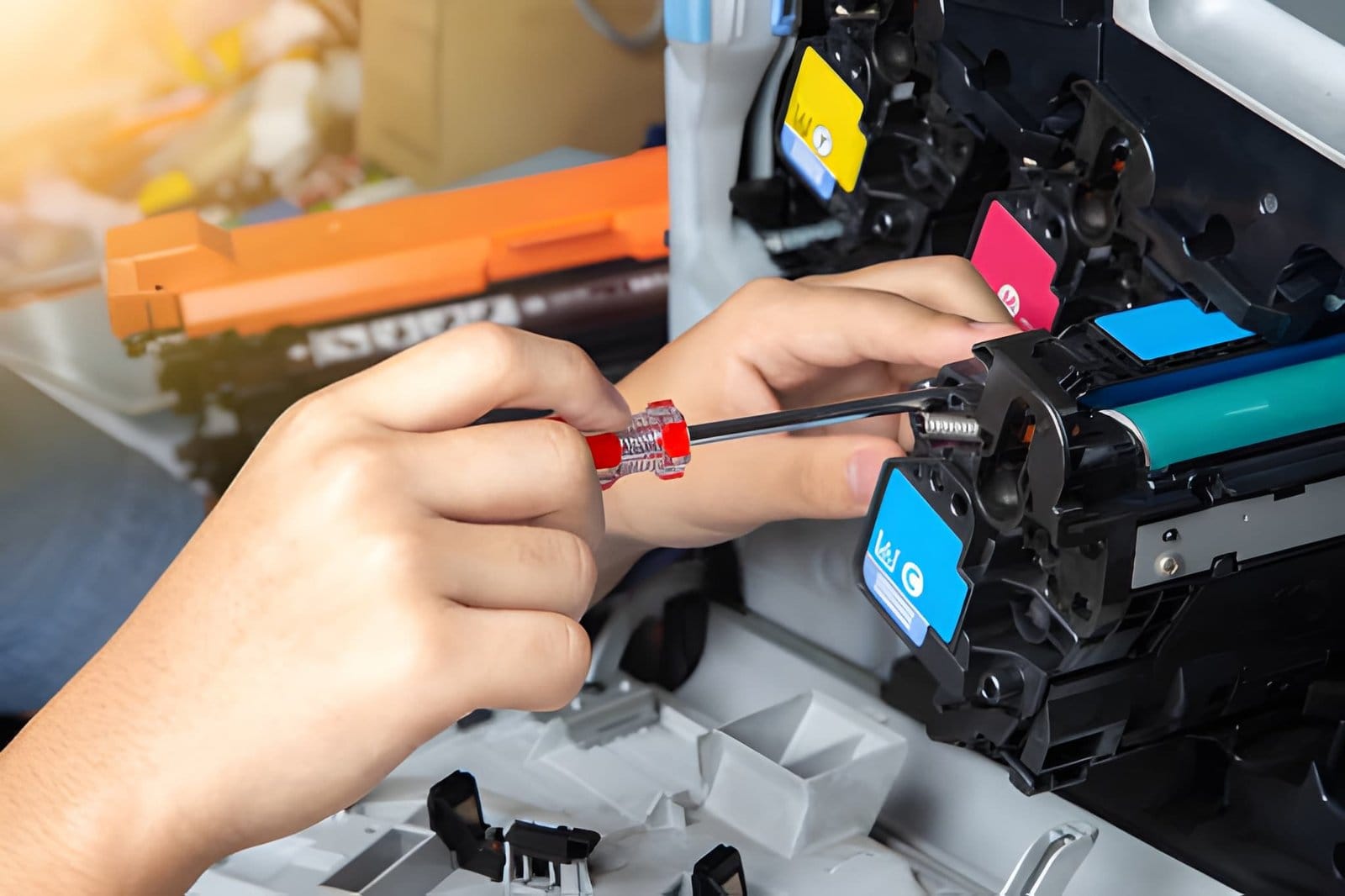
4. Slow Printing Speed
Printers are designed for efficiency. If yours has become unusually slow, it may be struggling internally.
Causes may include:
- Outdated drivers
- Overloaded memory
- Network issues in shared printers
- Internal hardware wear
Slow printing affects productivity, especially in office environments. A technician can optimize settings and repair underlying problems.
5. Strange Noises Coming from Printer
Printers should operate with minimal noise. Grinding, clicking, or squeaking sounds are warning signs.
What it could mean:
- Worn gears
- Misaligned components
- Foreign objects inside the printer
- Motor issues
Ignoring unusual sounds can lead to a complete breakdown. It’s best to shut down the printer and call a professional immediately.
6. Ink or Toner Not Printing Properly
If your printer shows full ink or toner levels but prints poorly, something is wrong internally.
Common issues include:
- Clogged nozzles
- Faulty toner cartridges
- Sensor malfunction
- Print head failure
Replacing cartridges repeatedly without fixing the root cause can become expensive. A repair technician can identify the exact issue.
7. Printer Keeps Showing Error Messages
Error codes and warning lights are your printer’s way of communicating problems.
Examples:
- Paper feed errors
- Cartridge detection errors
- Overheating warnings
- Firmware alerts
If these messages keep appearing, it indicates a deeper technical issue that requires professional troubleshooting.
8. Wireless or Network Connectivity Issues
Modern printers often rely on Wi-Fi or network connections. If your printer frequently disconnects or fails to connect, productivity can suffer.
Possible reasons:
- Weak Wi-Fi signal
- Incorrect network configuration
- Driver compatibility issues
- Router conflicts
Technicians can reconfigure your printer network settings and ensure stable connectivity.
9. Printer Stops Mid-Job
If your printer randomly stops printing halfway through a job, this is a serious warning sign.
Causes may include:
- Memory overload
- Overheating
- Firmware glitches
- Hardware failure
This issue disrupts workflow and often worsens over time if not addressed properly.
10. Overheating Issues
Printers that become excessively hot or shut down unexpectedly may have internal hardware problems.
Possible causes:
- Overuse without cooling breaks
- Faulty power supply
- Internal electrical issues
Overheating can permanently damage components, so immediate repair is necessary.
11. Blank Pages Printing
If your printer is producing blank pages, even though ink or toner is available, it’s a clear malfunction.
Causes include:
- Blocked print heads
- Cartridge installation issues
- Software errors
- Sensor failure
This issue usually requires deep cleaning or part replacement.
12. Frequent Driver or Software Errors
Sometimes the issue is not hardware but software-related.
Signs include:
- Printer not detected by the computer
- Frequent driver crashes
- Printing commands not executing
- Compatibility issues after updates
Professional technicians can reinstall drivers and update firmware correctly.
13. Physical Damage or Wear
If your printer has visible damage such as broken trays, cracked panels, or loose parts, it should not be ignored.
Even minor physical damage can affect performance and lead to bigger issues if left untreated.
14. Ink or Toner Leaks
Ink or toner leaks inside the printer are serious problems.
Risks include:
- Damage to internal components
- Poor print quality
- Health hazards from toner dust
Immediate professional cleaning and repair is required.
15. Printer Frequently Freezes
If your printer freezes during operation or becomes unresponsive, it may have internal memory or firmware issues.
Restarting may temporarily fix it, but recurring freezing indicates a deeper problem.
Why You Should Not Ignore Printer Problems
Many users delay printer repairs, thinking the issue is minor. However, small problems can quickly escalate into expensive repairs or full replacements.
Ignoring warning signs can lead to:
- Higher repair costs
- Data loss or workflow disruption
- Reduced productivity
- Permanent hardware damage
Early diagnosis is always the most cost-effective solution.
Why Choose Professional Printer Repair in Edmonton
DIY fixes may seem convenient, but printers are complex machines. Professional technicians have the tools, experience, and knowledge to accurately diagnose and repair issues.
Benefits of professional repair:
- Accurate problem diagnosis
- Fast turnaround time
- Use of genuine replacement parts
- Long-term reliability
- Cost-effective solutions
Expert Printer Repair Services in Edmonton
If you are experiencing any of the issues mentioned above, it is best to contact experts who specialize in printer repair. Akal IT Services provides reliable and efficient printer repair services across Edmonton.
Their services include:
- On-site printer repair
- Same-day service options
- Laser and inkjet printer repair
- Business printer maintenance
- Network printer troubleshooting
Whether you are a home user or a business owner, professional repair ensures your printer stays in top condition.
Tips to Prevent Printer Problems
While repairs are sometimes unavoidable, regular maintenance can reduce issues significantly.
Helpful tips:
- Clean printer regularly
- Use high-quality ink or toner
- Avoid overloading paper trays
- Keep the printer in a dust-free environment
- Update drivers and firmware
- Turn off the printer when not in use
Preventive care can extend the life of your printer and improve performance.
Final Thoughts
Printers are essential tools in both personal and professional environments. Recognizing early warning signs can help you avoid costly breakdowns and downtime.
If you notice frequent paper jams, poor print quality, strange noises, or connectivity issues, it’s time to seek professional help. Trusted experts like Akal IT Services in Edmonton can quickly diagnose and fix your printer problems, ensuring smooth and uninterrupted printing.
Don’t wait for a complete breakdown, act early and keep your printer running efficiently for years to come.