Home Computer Repair in Edmonton: Repairing Slow Computers and System Errors
Computers have become an essential part of everyday life. Whether you use your desktop or laptop for work, school, entertainment, online shopping, or communication, a properly functioning computer is crucial. However, many Edmonton homeowners experience frustrating issues such as slow performance, frequent crashes, startup problems, and system errors that disrupt productivity and daily activities.
If your computer has become sluggish or displays recurring error messages, professional home computer repair services can help restore its performance and reliability. Understanding the common causes of slow computers and system errors can help you recognize when it’s time to seek expert assistance.
Why Computers Slow Down Over Time
Many people assume that a slow computer means they need to purchase a new one. In reality, most performance issues can be fixed through proper diagnostics, maintenance, and repairs.
Computers gradually slow down due to several factors, including:
- Accumulated temporary files
- Outdated software
- Malware infections
- Insufficient storage space
- Failing hardware components
- Too many startup programs
- Fragmented hard drives
- Operating system errors
Without regular maintenance, these issues continue to build up and negatively impact performance.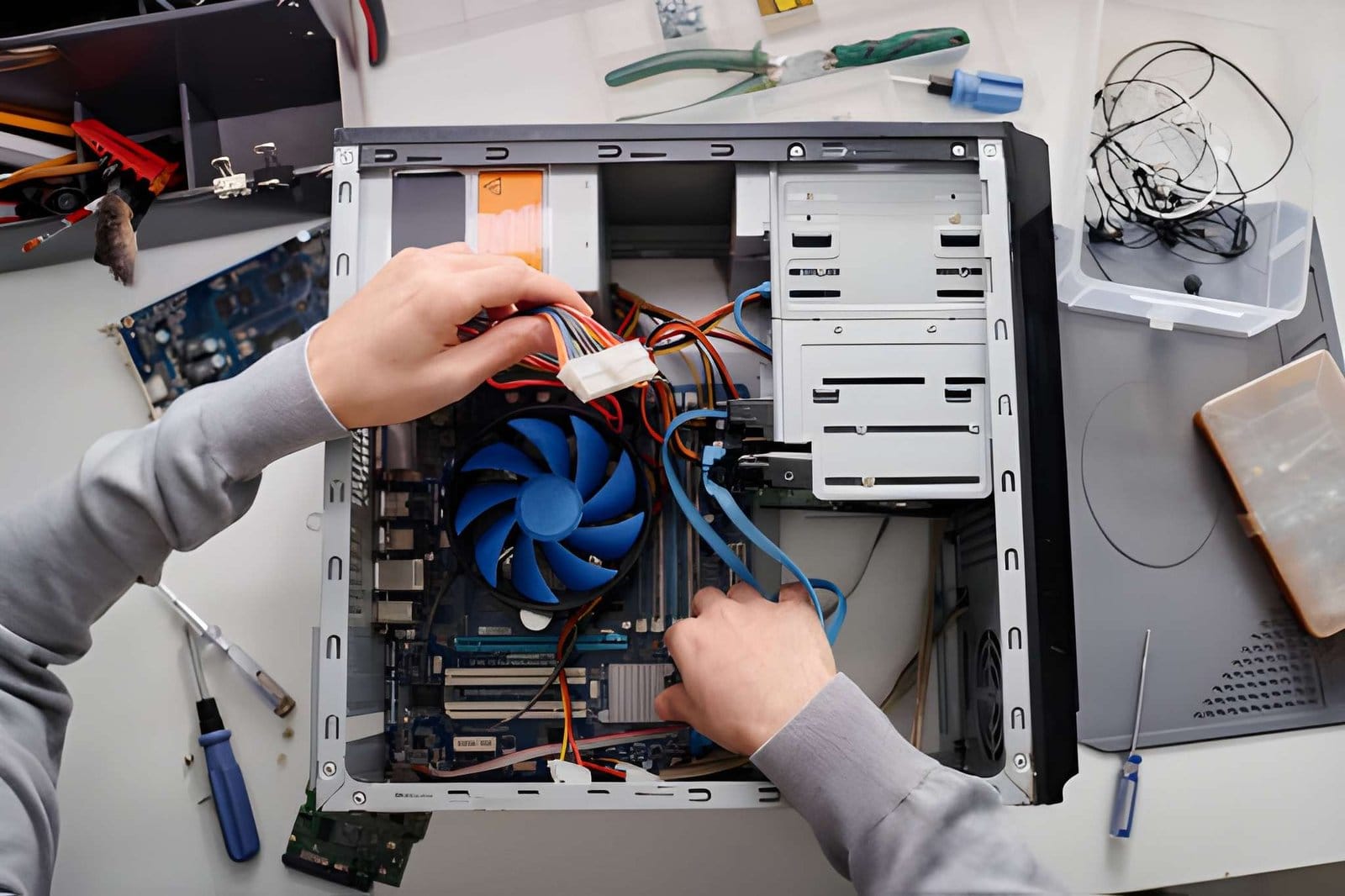
Common Signs Your Computer Needs Repair
Many homeowners ignore early warning signs until their computer becomes nearly unusable. Recognizing these symptoms early can help prevent more serious problems.
Slow Startup Times
If your computer takes several minutes to boot up, there may be excessive startup applications, hard drive issues, or operating system problems.
Frequent Freezing
A computer that regularly freezes or becomes unresponsive often indicates software conflicts, memory issues, or hardware failures.
Unexpected Crashes
Random shutdowns and crashes can result from overheating, failing components, or corrupted system files.
Error Messages
Repeated error messages are often signs of deeper operating system or hardware problems that require professional diagnosis.
Slow Internet Browsing
While internet speed can be affected by your service provider, malware, browser issues, or excessive background processes can also cause sluggish browsing.
Overheating
A computer that becomes excessively hot may have clogged cooling vents, failing fans, or internal dust buildup.
What Causes System Errors?
System errors occur when the operating system encounters problems that prevent it from functioning correctly. These errors can range from minor inconveniences to severe issues that make your computer unusable.
Corrupted System Files
Essential operating system files can become corrupted due to improper shutdowns, malware infections, or failed software installations.
Driver Conflicts
Hardware devices rely on drivers to communicate with the operating system. Outdated or incompatible drivers often lead to system instability.
Software Conflicts
Installing multiple programs that interfere with one another can trigger system errors and crashes.
Malware and Viruses
Malicious software can damage files, modify settings, and cause significant system problems.
Failed Updates
Incomplete or failed operating system updates may result in error messages and performance issues.
Hard Drive Problems
A failing hard drive can generate file errors, slow performance, and data loss risks.
Professional Diagnosis Makes a Difference
Many computer issues appear similar on the surface but have completely different causes. For example, slow performance may be caused by malware, insufficient memory, failing storage devices, or software corruption.
Professional technicians use advanced diagnostic tools to identify the exact source of the problem before recommending repairs.
Accurate diagnosis helps avoid unnecessary expenses and ensures the correct solution is implemented.
Malware Removal and Security Repairs
One of the leading causes of slow computers is malware.
Malware includes:
- Viruses
- Trojans
- Spyware
- Ransomware
- Adware
- Browser hijackers
These threats consume system resources, compromise security, and significantly reduce performance.
Professional home computer repair technicians can:
- Detect hidden threats
- Remove malicious software
- Restore damaged files
- Improve system security
- Install protective software
Regular malware scans help prevent future infections and maintain optimal performance.
Hard Drive Upgrades Improve Speed
Traditional hard drives eventually become slower as they age.
Many Edmonton homeowners experience dramatic performance improvements by upgrading from an older HDD (Hard Disk Drive) to a modern SSD (Solid State Drive).
Benefits of SSD upgrades include:
- Faster startup times
- Quicker application loading
- Improved multitasking
- Better reliability
- Reduced system errors
An SSD upgrade often makes an older computer feel almost new again.
Memory (RAM) Upgrades
Insufficient memory is another common cause of sluggish performance.
When a computer runs out of available RAM, it relies heavily on storage devices, significantly reducing speed.
Signs you may need more RAM include:
- Slow multitasking
- Delayed application launches
- Browser freezing
- Frequent lagging
A professional technician can determine whether a memory upgrade is appropriate for your system.
Operating System Optimization
Over time, operating systems accumulate unnecessary files, settings, and processes that reduce efficiency.
Professional optimization services often include:
- Removing junk files
- Cleaning temporary data
- Managing startup programs
- Updating drivers
- Repairing system files
- Adjusting performance settings
These improvements help maximize speed without requiring expensive hardware replacements.
Fixing Blue Screen Errors
Blue Screen of Death (BSOD) errors are among the most alarming issues computer users face.
These errors may result from:
- Hardware failures
- Driver conflicts
- Memory problems
- Corrupted system files
- Software incompatibility
Because BSOD errors often indicate serious underlying problems, professional diagnosis is strongly recommended.
Technicians can identify the root cause and implement lasting repairs to prevent future crashes.
Data Protection During Repairs
One of the biggest concerns homeowners have when seeking computer repair is protecting their personal data.
Important files often include:
- Family photos
- Financial documents
- School projects
- Business records
- Personal information
Professional repair technicians prioritize data protection throughout the repair process.
Before making significant repairs, technicians often create backups to safeguard important information and reduce the risk of accidental data loss.
Home Computer Repair Convenience
Many Edmonton residents prefer home computer repair services because they eliminate the hassle of disconnecting equipment and transporting devices to a repair shop.
Benefits of home computer repair include:
- Convenient scheduling
- Faster service
- Personalized assistance
- On-site troubleshooting
- Minimal disruption
Technicians can often diagnose network issues, printer problems, and connected device concerns during the same visit.
Preventing Future Computer Problems
Regular maintenance is one of the best ways to avoid costly repairs.
Keep Software Updated
Install operating system and software updates regularly to maintain security and stability.
Use Antivirus Protection
Reliable antivirus software helps prevent malware infections and system damage.
Clean Up Storage
Remove unnecessary files and programs to free up valuable storage space.
Backup Important Data
Maintain regular backups to protect against hardware failures and cyber threats.
Avoid Suspicious Downloads
Only download software from trusted sources.
Schedule Professional Maintenance
Periodic inspections can identify potential issues before they become major problems.
Why Edmonton Homeowners Choose Professional Computer Repair
While online tutorials can help with simple troubleshooting, many issues require specialized tools and expertise.
Professional technicians offer:
- Accurate diagnostics
- Faster repairs
- Hardware expertise
- Data protection
- Long-term solutions
- Security improvements
Attempting complex repairs without proper knowledge can sometimes worsen the problem and increase repair costs.
Professional assistance provides peace of mind and helps extend the life of your computer.
Choosing the Right Home Computer Repair Service in Edmonton
When selecting a computer repair provider, look for:
- Experienced technicians
- Positive customer reviews
- Transparent pricing
- Fast response times
- Comprehensive repair services
- Strong customer support
A trusted repair company should clearly explain the problem, recommend appropriate solutions, and answer any questions you may have.
Trust Akal IT Services for Home Computer Repair in Edmonton
When your computer becomes slow, unstable, or starts displaying frustrating system errors, timely professional assistance can save both time and money. Ignoring performance issues often allows problems to worsen, potentially leading to data loss or expensive hardware failures.
Akal IT Services provides reliable home computer repair in Edmonton, helping homeowners resolve slow computer performance, malware infections, startup problems, system crashes, and other technical issues. With professional diagnostics, quality repairs, and personalized support, Akal IT Services helps keep your devices running efficiently and securely.
Whether you need a system tune-up, hardware upgrade, virus removal, or complete troubleshooting, Akal IT Services is committed to delivering dependable computer repair solutions for Edmonton residents. Contact Akal IT Services today and restore your computer’s speed, performance, and reliability.