How to Choose the Best PC Repair Service in Winnipeg
A computer is an essential part of everyday life. People use computers for work, school, gaming, online banking, and staying connected with family and friends. When a computer stops working, it can quickly disrupt your routine. That is why finding a reliable PC Repair in Winnipeg service is so important.
However, not every repair company offers the same level of service. Some provide experienced technicians, quality parts, and excellent customer support, while others may not meet your expectations.
This guide explains how to choose the best PC repair service in Winnipeg. By following these tips, you can protect your investment and ensure your computer receives professional care.
Look for Experienced Technicians
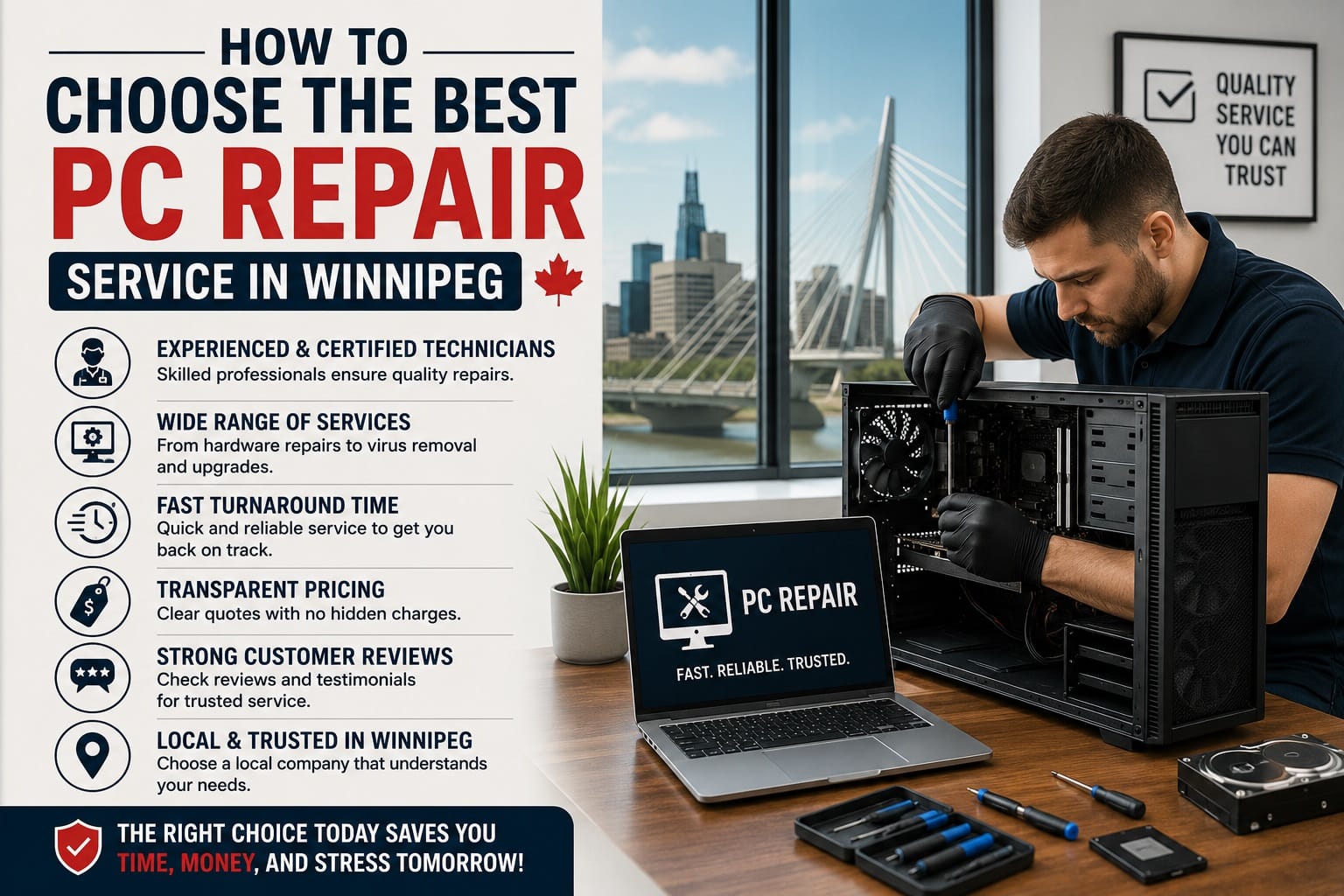
Experience matters when repairing computers.
An experienced technician can diagnose problems quickly and recommend the right solution. Whether your computer has hardware issues, software errors, virus infections, or startup failures, skilled professionals have likely solved similar problems before.
Before choosing a repair shop, ask questions such as:
- How many years have they been repairing computers?
- Do they repair desktops, laptops, and gaming PCs?
- Can they diagnose both hardware and software issues?
A qualified technician can often save you both time and money.
Check Customer Reviews
Online reviews can tell you a lot about a repair company.
Look for businesses with consistently positive feedback on Google and other trusted review platforms. Read recent reviews to understand how customers describe their experience.
Pay attention to comments about:
- Repair quality
- Turnaround time
- Customer service
- Pricing transparency
- Communication
A company with many satisfied customers is usually a safer choice.
Choose a Local PC Repair Company
Working with a local repair provider offers several advantages.
A local company understands the needs of Winnipeg residents and businesses. It is also easier to visit the shop, ask questions, and receive ongoing support if needed.
Local companies often provide:
- Faster service
- Personalized customer support
- Easier warranty assistance
- Better communication
Choosing a local expert for PC Repair in Winnipeg can make the entire repair process smoother.
Ask About Diagnostic Services
A professional repair company should perform a proper diagnosis before beginning repairs.
Many computer problems have multiple possible causes. For example, a computer that will not start could have:
- A failing power supply
- Damaged memory
- Motherboard issues
- Corrupted Windows files
Accurate diagnostics prevent unnecessary repairs and help identify the real problem.
Always ask whether diagnostic fees are included in the final repair cost.
Compare Pricing Carefully
Price should not be the only deciding factor.
Extremely cheap repair services may use low-quality replacement parts or inexperienced technicians. On the other hand, expensive repairs do not always guarantee better service.
Instead, compare:
- Diagnostic fees
- Labor costs
- Replacement part quality
- Warranty coverage
- Estimated repair time
Choose a company that provides honest pricing without hidden charges.
Check Warranty Coverage
A trustworthy repair company stands behind its work.
Ask whether repairs include a warranty on labor and replacement parts. A warranty shows confidence in the quality of the repair.
Warranty coverage also provides peace of mind if the same issue returns after the repair.
Before approving any service, ask for warranty details in writing.
Look for Fast Turnaround Times
Many people rely on their computers every day.
Whether you work from home, study online, or run a business, you cannot afford lengthy downtime.
Ask questions like:
- How long will the repair take?
- Are same-day repairs available?
- Do they stock common replacement parts?
Fast turnaround combined with quality workmanship is an excellent sign of a professional repair company.
Ask About Data Protection
Your files are valuable.
Photos, business documents, financial records, and personal information should remain secure during repairs.
Professional technicians should explain how they protect your data throughout the repair process.
You should also ask:
- Will they back up your files?
- Is data recovery available?
- Will your personal information remain confidential?
Reliable repair companies treat customer privacy seriously.
Find a Company That Offers Multiple Services
Choosing a repair company with a wide range of services can save time in the future.
Look for providers that offer:
- Virus and malware removal
- Hardware upgrades
- SSD installation
- RAM upgrades
- Windows installation
- Laptop repair
- Desktop repair
- Gaming PC repair
- System optimization
- Preventive maintenance
A full-service repair company can help with both current and future computer needs.
Consider Customer Service
Excellent customer service is just as important as technical skills.
Professional repair companies communicate clearly throughout the repair process.
Look for businesses that:
- Explain problems in simple language
- Provide written estimates
- Answer questions patiently
- Keep customers informed
- Recommend only necessary repairs
Good communication builds trust and helps customers make informed decisions.
Common Signs You Need Professional PC Repair
Not every computer issue requires replacing the entire system.
Consider professional PC Repair in Winnipeg if your computer experiences:
- Frequent crashes
- Blue screen errors
- Slow startup
- Loud fan noises
- Overheating
- Virus infections
- Internet connectivity issues
- Hard drive failures
- Broken ports
- Windows update problems
Early repairs often prevent larger and more expensive issues later.
Why Professional Repair Is Better Than DIY
Many online videos make computer repair look easy.
However, modern computers contain delicate components that can be damaged without proper tools and experience.
Professional repair technicians can:
- Diagnose problems accurately
- Use quality replacement parts
- Protect your important files
- Complete repairs safely
- Test the computer before returning it
Professional service often saves both time and money compared to unsuccessful DIY repairs.
Why Choose Akal IT Services?
When you need dependable PC Repair in Winnipeg, choosing a trusted local company makes all the difference.
Akal IT Services provides professional computer repair solutions for homeowners, students, gamers, and small businesses. Whether your system needs virus removal, hardware replacement, software troubleshooting, or performance optimization, experienced technicians work to restore your computer quickly and efficiently.
In addition to PC repairs, Akal IT Services also offers desktop computer repair, laptop repair, gaming computer repair, upgrades, data recovery, and ongoing maintenance to help keep your devices running smoothly.
Choosing the right PC Repair in Winnipeg service is an important decision. A reliable repair company should offer experienced technicians, honest pricing, quality workmanship, and excellent customer support.
Before making your choice, compare reviews, ask about warranties, discuss repair timelines, and ensure your data will remain protected.
Taking the time to select a trusted repair provider can extend the life of your computer and help you avoid unnecessary expenses. Whether you use your PC for work, gaming, or everyday tasks, professional repairs can restore performance and keep your system operating at its best.
Frequently Asked Questions
How do I know if my computer needs professional repair?
If your computer is slow, crashes frequently, overheats, displays error messages, or won’t start, it is a good idea to have it inspected by a professional technician.
How long does PC repair usually take?
Many common repairs can be completed within one or two days. More complex hardware repairs or parts replacements may take longer.
Is it worth repairing an older computer?
In many cases, yes. Upgrading components such as an SSD or RAM can significantly improve performance and extend the life of your computer.
What should I do before taking my computer for repair?
Back up important files if possible, write down any error messages, and remove unnecessary accessories before bringing your computer to the repair shop.
Can a repair technician recover deleted files?
Yes. Many professional repair companies offer data recovery services, although success depends on the condition of the storage device and how the data was lost.