Laptop Screen Repair in Winnipeg: Top Reasons Laptop Screens Break
A broken laptop screen can quickly interrupt your work, school, gaming, or everyday activities. A cracked display, flickering screen, or blank panel can make even simple tasks difficult. Fortunately, you may not need to replace your entire laptop.
Professional Laptop Screen Repair in Winnipeg can often restore a damaged display at a much lower cost than purchasing a new computer. Understanding the common causes of screen damage can also help you protect your laptop and avoid future repairs.
In this guide, we’ll explain the most common reasons laptop screens break, the warning signs you should watch for, and what you can do to protect your device.
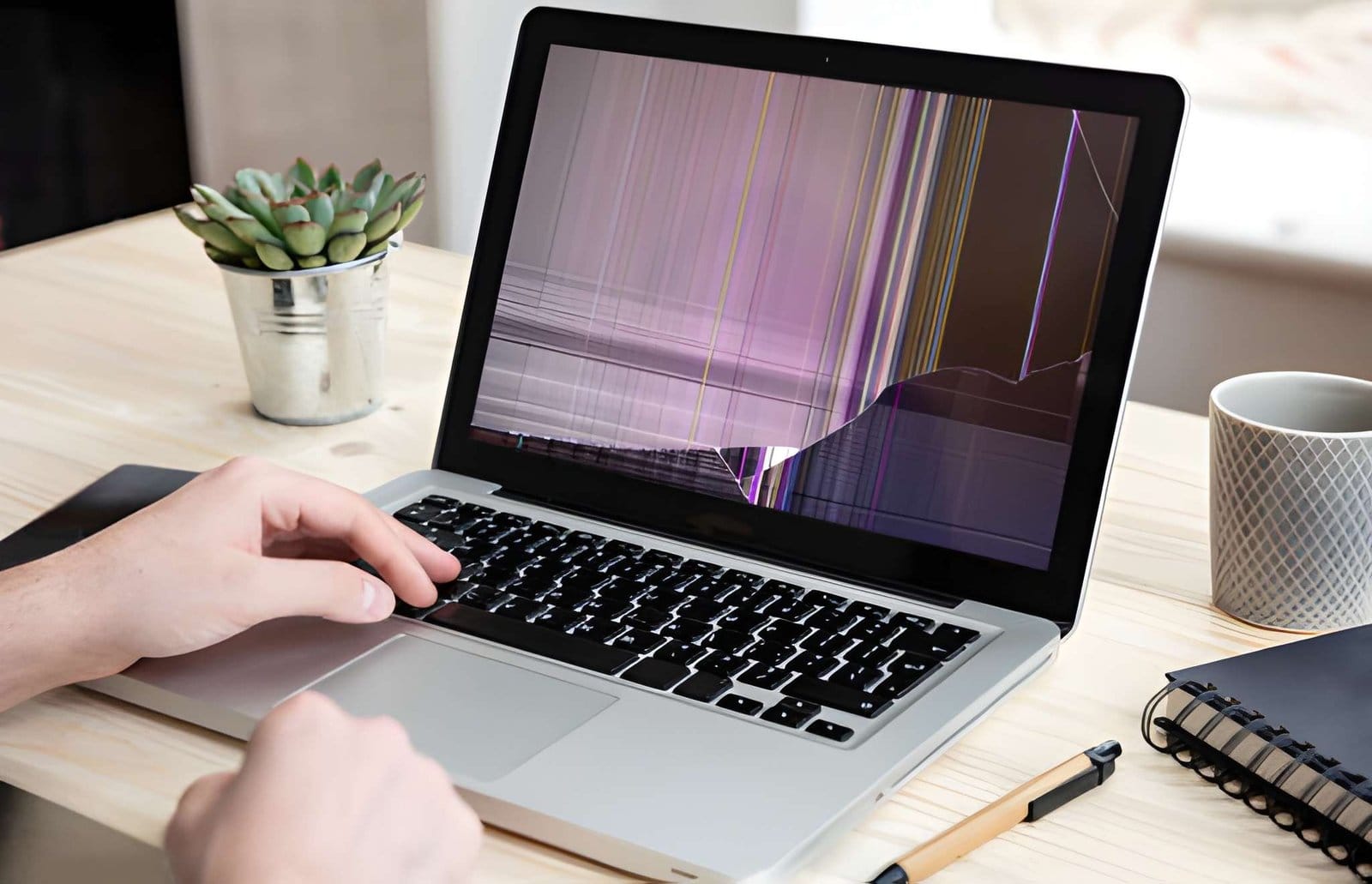
Why Are Laptop Screens Easy to Damage?
Modern laptops are designed to be thin and lightweight. This makes them convenient to carry, but their slim design also means the display can be vulnerable to pressure and impact.
A laptop display includes several delicate components, such as:
- LCD or LED panel
- Protective layer
- Display cable
- Backlight
- Hinges
- Internal connectors
Damage to any of these components can affect the appearance or functionality of the screen.
1. Accidental Drops
Accidental drops are one of the most common causes of laptop screen damage.
A laptop can suffer damage even after falling from a relatively short height. The impact may cause:
- Cracked display panels
- Black spots
- Lines across the screen
- Broken hinges
- Damaged casing
- Display failure
Always use a padded laptop bag when transporting your device.
2. Closing the Laptop with Objects on the Keyboard
Small objects can cause serious screen damage when the laptop lid is closed.
Common examples include:
- Pens
- USB drives
- Earbuds
- Charging cables
- Coins
When the lid closes against an object, pressure is transferred directly to the screen.
Before closing your laptop, check the keyboard and remove anything that could become trapped between the display and keyboard.
3. Excessive Pressure
Laptop screens are not designed to handle heavy pressure.
Damage can occur when:
- Heavy books are placed on the laptop.
- Someone accidentally sits on it.
- A backpack presses against the display.
- The laptop is stored underneath other objects.
The outside of the laptop may look normal while the internal display panel is damaged.
If you notice unusual lines, dark areas, or flickering after pressure has been applied, consider professional Laptop Screen Repair in Winnipeg.
4. Damaged or Stiff Hinges
Laptop hinges connect the screen to the main body. Over time, they can become loose, stiff, or damaged.
A damaged hinge can put additional stress on the display and surrounding components.
Ignoring hinge problems may eventually result in:
- Cracked screens
- Broken display cables
- Damaged plastic housing
- Difficulty opening the laptop
If your hinge feels unusually tight or makes cracking sounds, have it inspected before the problem becomes worse.
5. Damage During Transportation
Laptops are designed to be portable, but frequent transportation increases the risk of accidents.
Your screen can be damaged by:
- Dropping a backpack
- Luggage pressure
- Sudden impacts
- Poor-quality laptop bags
- Carrying the laptop without protection
A padded laptop sleeve can provide an additional layer of protection during transportation.
6. Liquid Spills
Water, coffee, juice, and other liquids can damage more than the screen.
A spill may affect:
- Display components
- Keyboard
- Motherboard
- Internal connectors
- Battery
Liquid damage can cause flickering, lines, black spots, or complete display failure.
If liquid gets into your laptop, turn it off immediately and seek professional assistance. Avoid repeatedly turning it on because this may cause additional electrical damage.
7. Faulty Display Cables
Not every screen problem means the display panel is broken.
A damaged or loose display cable can cause:
- Flickering
- A blank screen
- Intermittent display problems
- Different colours
- Problems that occur when moving the lid
A professional technician can determine whether you need a complete screen replacement or simply a cable repair.
This is why proper diagnosis is important before replacing expensive components.
8. Dead Pixels and Backlight Problems
Sometimes a laptop screen develops problems without visible physical damage.
You may notice:
- Dead pixels
- Bright or dark spots
- Uneven brightness
- A dim display
- Backlight failure
These problems can develop because of age, component failure, or manufacturing defects.
Depending on the problem, screen replacement may be the most practical solution.
9. Overheating and Poor Ventilation
Heat can affect laptop components over time.
Blocked vents, dust buildup, and failing cooling fans can cause excessive temperatures.
Overheating may lead to:
- Reduced performance
- Unexpected shutdowns
- Component failure
- Display problems
Keep your laptop on a hard, flat surface and make sure its ventilation openings remain clear.
10. Everyday Wear and Tear
A laptop screen is opened and closed hundreds or even thousands of times during its lifetime.
Eventually, normal wear can affect:
- Hinges
- Display cables
- Connectors
- Screen brightness
- Display performance
Regular maintenance can help identify developing problems before they result in major damage.
Warning Signs Your Laptop Screen Needs Repair
Don’t ignore unusual display behaviour.
You may need professional Laptop Screen Repair in Winnipeg if your laptop has:
- Cracked glass
- Black spots
- Horizontal lines
- Vertical lines
- Screen flickering
- Random colours
- A dim display
- Dead pixels
- A completely blank screen
- A display that works only at certain angles
Getting the problem checked early can help prevent additional damage.
Can a Broken Laptop Screen Be Repaired?
Yes. Many laptop screens can be replaced without replacing the entire laptop.
Professional screen replacement may be appropriate for:
- Cracked screens
- Severe display damage
- Backlight failure
- Dead pixels
- Display panel failure
If the rest of your laptop is working properly, replacing the screen can be a much more affordable option than buying a new device.
A technician should inspect the laptop first to determine whether the problem is the screen, cable, hinge, or another component.
How to Prevent Laptop Screen Damage
A few simple habits can protect your laptop.
Follow these tips:
- Use a padded laptop case.
- Keep liquids away from your computer.
- Never place heavy objects on the lid.
- Remove objects from the keyboard before closing the laptop.
- Open and close the lid gently.
- Open the screen from the centre when possible.
- Repair loose hinges promptly.
- Keep cooling vents free from dust.
- Avoid placing your laptop where it can easily fall.
- Back up important files regularly.
Preventive maintenance can extend the life of your laptop and reduce unexpected repair costs.
Why Choose Professional Laptop Screen Repair?
Replacing a laptop screen requires care and the correct tools. Attempting a complicated repair without experience can damage the display cable, hinges, casing, or motherboard.
Professional technicians can provide:
- Accurate diagnostics
- Proper screen compatibility checks
- Specialized repair tools
- Quality replacement components
- Safe installation
- Post-repair testing
Professional service helps ensure your laptop is repaired correctly the first time.
Laptop Screen Repair in Winnipeg for Home and Business Users
A damaged laptop can create serious inconvenience for students, remote workers, professionals, and business owners.
At Akal IT Services, we provide reliable Laptop Screen Repair in Winnipeg for a variety of laptop brands and models. Our services can include screen replacement, hinge repair, display troubleshooting, hardware diagnostics, and other laptop repair solutions.
If your laptop screen is cracked, flickering, damaged, or completely blank, professional diagnosis can help determine the most cost-effective repair option.
Laptop screens can break for many reasons, including accidental drops, excessive pressure, damaged hinges, liquid spills, transportation accidents, and everyday wear. However, a broken display doesn’t necessarily mean you need a new laptop.
Professional Laptop Screen Repair in Winnipeg can often restore your device and extend its useful life. By protecting your laptop, addressing warning signs early, and choosing qualified technicians, you can reduce repair costs and keep your computer working reliably.