How to Fix Laptop Problems in Edmonton: A Complete Guide to PC, Hinge & Screen Repairs
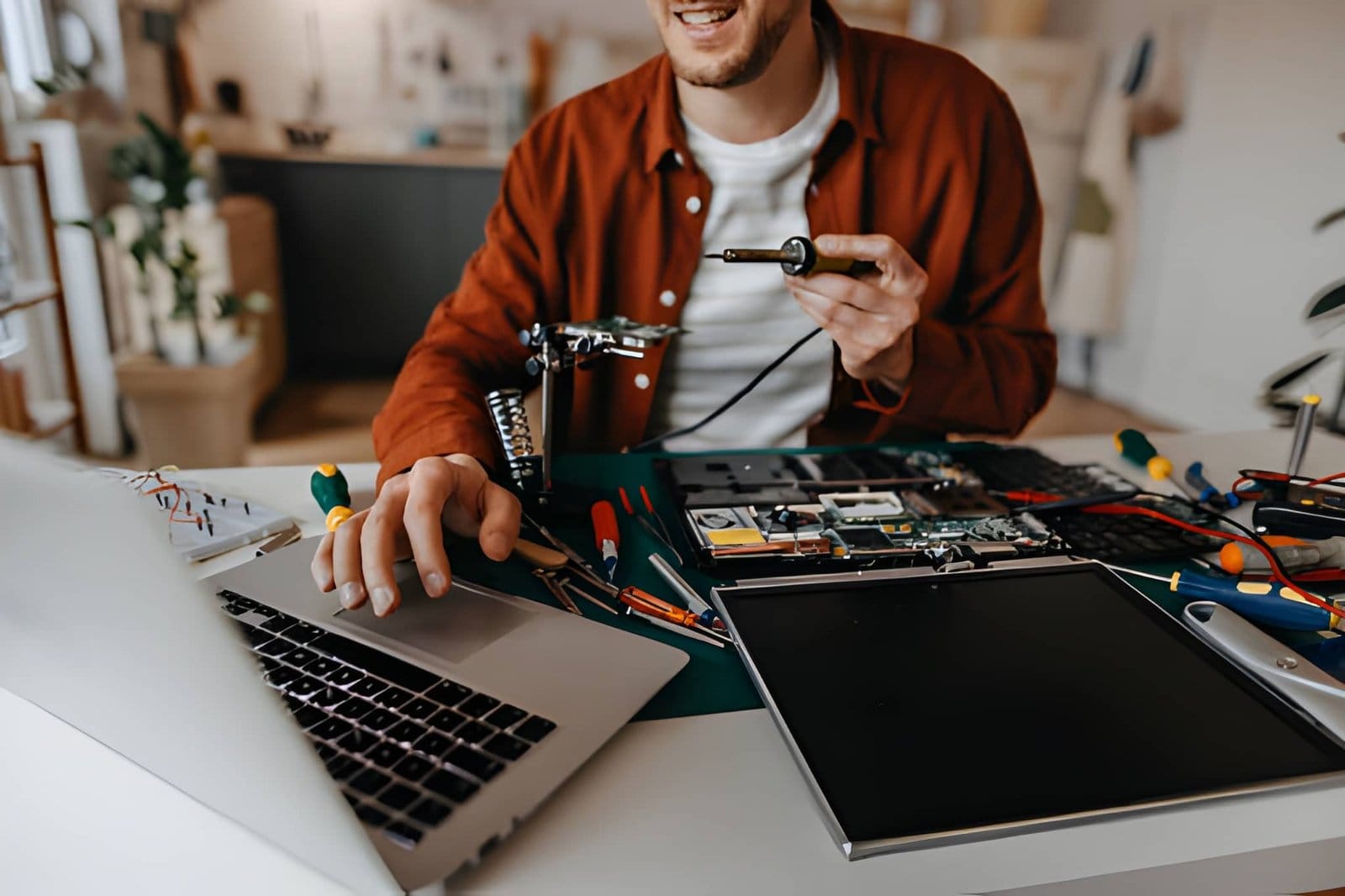
Is your laptop running slowly, overheating, or refusing to start? Has the screen cracked, or does the laptop lid feel stiff when you open it?
Laptop problems can quickly interrupt work, school, business, and everyday activities. The good news is that many issues can be repaired without replacing the entire device.
Professional PC Repair in Edmonton can help diagnose hardware and software problems and determine whether your laptop needs a repair, upgrade, or replacement.
For physical damage, services such as Laptop Screen Replacement Edmonton and Hinge Repair Services In Edmonton can restore a damaged laptop and potentially extend its useful life.
This guide explains how to identify common laptop problems, when to seek professional help, and how Edmonton users can protect their devices.
How Can You Tell That Your Laptop Needs Repair?
Some laptop problems are obvious. Others start with small warning signs.
You may need professional repair if your laptop:
- Takes a long time to start
- Runs unusually slowly
- Freezes frequently
- Shuts down unexpectedly
- Gets extremely hot
- Makes unusual sounds
- Has a cracked screen
- Flickers or displays lines
- Has a loose hinge
- Does not charge properly
- Shows repeated Windows errors
Don’t ignore recurring problems. A small hardware issue can sometimes become more expensive when left untreated.
A professional diagnosis can identify the actual cause before you spend money on unnecessary parts.
How to Fix a Slow Laptop Without Buying a New One?
A slow laptop does not always mean it has reached the end of its life.
Several factors can affect performance, including:
- Too many startup applications
- Low storage space
- Insufficient RAM
- Aging hard drive
- Malware
- Outdated software
- Background processes
- Overheating
Start by checking how much storage space is available. Remove applications and files you no longer need, but avoid deleting system files unless you know what they do.
You should also keep Windows and essential software updated.
If the laptop still uses a traditional mechanical hard drive, an SSD upgrade may provide a significant improvement in startup and loading times.
Additional RAM may also help if the laptop struggles while running multiple applications.
Professional PC Repair in Edmonton can help determine which upgrade makes sense for your specific laptop.
How Do You Know If a Laptop Screen Needs Replacement?
A damaged display can make a laptop almost impossible to use.
Common signs of screen damage include:
- Cracked display
- Black spots
- Flickering
- Vertical lines
- Horizontal lines
- Dead pixels
- Severe discoloration
- Dim or uneven brightness
- Blank display
If the screen has physical cracks, replacement is usually required.
However, not every display problem means the screen itself is damaged. A loose display cable, graphics issue, or motherboard problem can produce similar symptoms.
That is why proper diagnosis is important before ordering a replacement panel.
When Should You Consider Laptop Screen Replacement Edmonton?
Laptop Screen Replacement Edmonton can be a practical option when your laptop is otherwise working well.
Screen replacement may make sense if:
- The laptop performs well.
- The battery remains usable.
- The keyboard and touchpad work properly.
- Storage is healthy.
- The processor meets your needs.
- The main problem is the damaged display.
Replacing one component can be considerably more practical than replacing an entire laptop.
A professional technician can check the laptop model and determine the correct compatible display.
How Do Laptop Screens Usually Get Damaged?
Laptop displays are delicate and can be damaged through everyday accidents.
Accidental Drops
A laptop can suffer screen damage even after a relatively short fall.
Objects on the Keyboard
Closing the lid while a USB drive, pen, cable, or other object is on the keyboard can put pressure on the display.
Heavy Objects
Books, bags, or other objects placed on top of a laptop can damage the screen.
Transportation
Carrying an unprotected laptop in a crowded bag can expose it to pressure and impact.
Hinge Problems
A damaged hinge can place stress on the screen assembly and may eventually contribute to display damage.
Using a padded laptop case and handling the lid carefully can reduce these risks.
How Do You Know If You Need Hinge Repair Services In Edmonton?
Laptop hinges are designed to handle repeated opening and closing. However, they can eventually become stiff, loose, or damaged.
Common warning signs include:
- Stiff lid
- Loose screen
- Uneven movement
- Cracking sounds
- Broken plastic around the hinge
- Screen movement when typing
- Difficulty opening or closing the laptop
If your laptop lid requires excessive force to open, stop forcing it.
Professional Hinge Repair Services In Edmonton can identify the source of the problem and determine whether the hinge, mounting area, or surrounding housing needs repair.
Can a Broken Laptop Hinge Damage the Screen?
Yes.
A damaged hinge can create additional stress on the display assembly.
For example, a stiff hinge may require extra force every time the laptop is opened. That pressure can affect the:
- Display panel
- Display cable
- Screen bezel
- Hinge mounts
- Laptop housing
A hinge problem that appears minor today could become a screen problem later.
Repairing the hinge early may help prevent additional damage and reduce the overall repair cost.
How Can You Protect Your Laptop Hinges?
Good handling can make a difference.
Open the Lid From the Center
Opening the laptop from the center can help distribute pressure more evenly.
Don’t Force the Lid
If the hinge becomes stiff, don’t force it open or closed.
Use Both Hands
For a larger laptop, using both hands can reduce unnecessary stress on the hinges.
Don’t Carry the Laptop by the Screen
Always hold the laptop from its base when moving it.
Repair Problems Early
A loose hinge should not be ignored. Early attention may prevent additional damage.
How Can Overheating Affect Your Laptop?
Overheating can reduce performance and contribute to hardware problems.
Common causes include:
- Dust buildup
- Blocked vents
- Faulty cooling fans
- Poor airflow
- Heavy workloads
- Aging thermal paste
Signs of overheating include:
- Loud fans
- Sudden shutdowns
- Performance drops
- System freezes
- Excessive heat
Keep your laptop on a hard, flat surface when possible. Avoid blocking the ventilation openings.
If the laptop continues to overheat, professional PC Repair in Edmonton can help inspect the cooling system.
What Should You Do If Your Laptop Won’t Turn On?
A laptop that does not start can have several possible causes.
Try checking:
- Whether the charger is connected correctly.
- Whether the power adapter shows signs of damage.
- Whether the charging indicator appears.
- Whether the power button responds.
- Whether an external device is causing a problem.
If the laptop still does not start, avoid repeatedly forcing it to power on.
Possible causes can include battery failure, charging problems, motherboard issues, or other hardware faults.
Professional diagnostics can identify the underlying issue.
How Can You Protect Your Laptop From Data Loss?
Laptop repair is not only about hardware. Your data is often the most valuable part of the device.
Important files may include:
- Business documents
- Family photos
- Videos
- Financial information
- School projects
- Customer records
Regular backups can protect your information if the laptop’s storage fails.
Use an external drive or reliable cloud backup solution for important files.
If your laptop is experiencing storage problems, avoid unnecessary use of the device and seek professional assistance. Continued use of a failing drive can potentially make data recovery more difficult.
How Can You Prevent Common Laptop Problems?
A few simple habits can help extend your laptop’s life.
Keep the Laptop Clean
Dust can restrict airflow and contribute to overheating.
Keep Software Updated
Install Windows and security updates regularly.
Protect the Screen
Use a padded bag and avoid pressure on the display.
Look After the Hinges
Open and close the lid gently.
Keep Liquids Away
Water and other liquids can damage internal components.
Maintain Free Storage
A nearly full storage drive can affect system performance.
Back Up Important Data
Don’t wait until a drive fails to create a backup.
How to Choose the Right PC Repair Service in Edmonton?
When searching for PC Repair in Edmonton, consider more than just the advertised price.
Look for a repair provider that offers:
- Experienced technicians
- Clear diagnostics
- Transparent pricing
- Quality replacement parts
- Multiple repair services
- Reasonable turnaround times
- Repair warranties
- Helpful customer support
A good repair company should explain what is wrong with your laptop and provide options before major repairs begin.
This is particularly important for screen and hinge repairs because compatibility and proper installation matter.
Why Choose Akal IT Services?
Akal IT Services provides professional computer repair solutions for Edmonton residents, home users, and businesses.
Whether you need PC Repair in Edmonton, Laptop Screen Replacement Edmonton, or Hinge Repair Services In Edmonton, professional diagnosis can help you make an informed decision.
Instead of immediately replacing a damaged laptop, a technician can assess its overall condition and determine whether repairing one component could restore the device.
Professional support can help with laptop hardware problems, screen issues, hinge damage, performance concerns, upgrades, troubleshooting, and other computer-related problems.
Laptop problems can be stressful, but many issues are repairable.
A slow laptop may only need maintenance or an upgrade. A cracked display may only require Laptop Screen Replacement Edmonton. A stiff or loose hinge may be resolved with Hinge Repair Services In Edmonton.
The important thing is to identify the problem early.
If your laptop is showing signs of hardware or software trouble, professional PC Repair in Edmonton can help determine the right solution. Proper repairs, careful handling, regular maintenance, and reliable backups can help extend the life of your laptop.
Instead of replacing your device at the first sign of trouble, consider getting it professionally assessed. The right repair could save you money and keep your laptop working reliably for much longer.