Edmonton PC Support: Repair, Gaming Builds & Upgrades
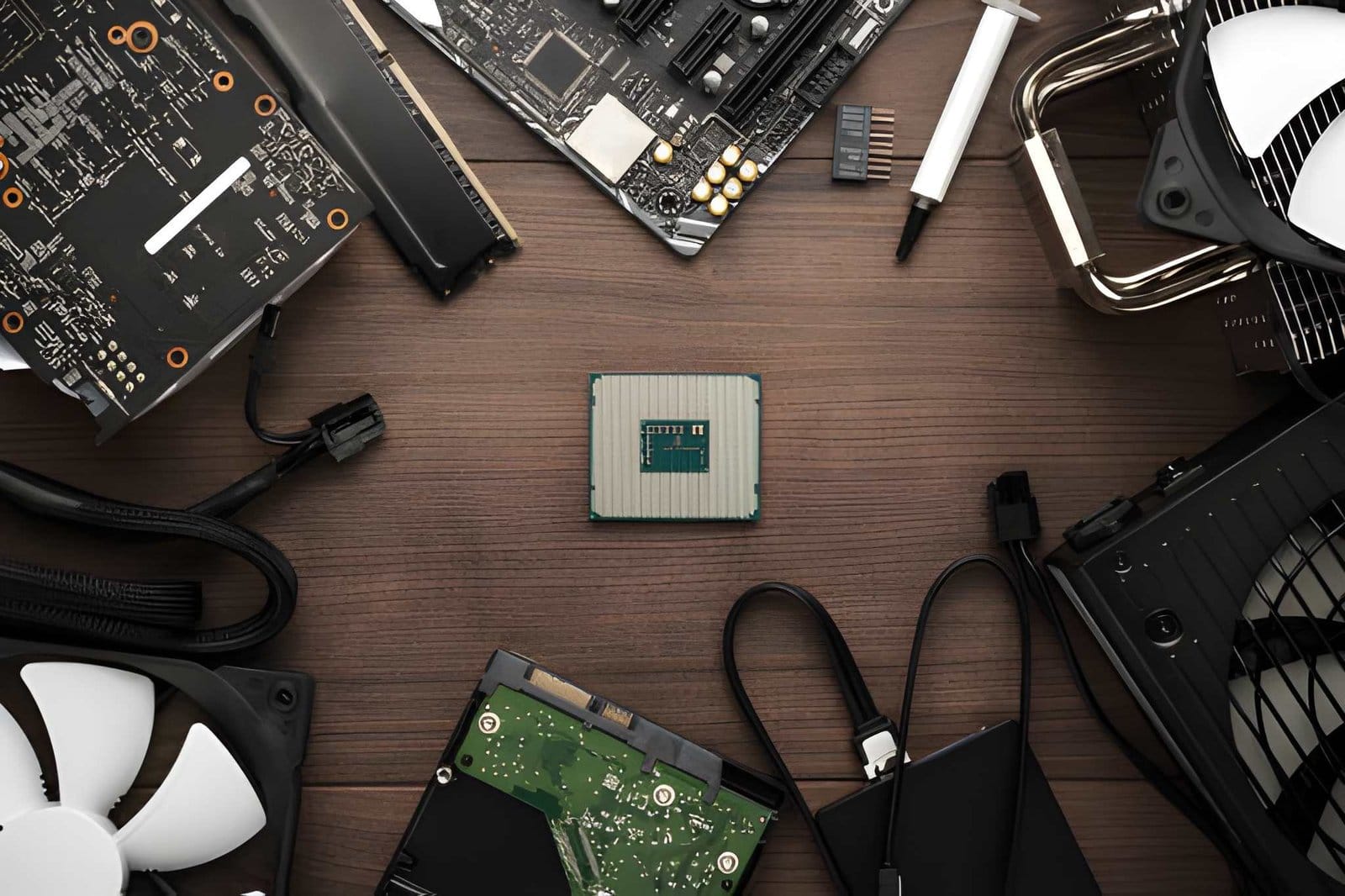
When your computer becomes slow, crashes unexpectedly, overheats, or stops working, getting the right support can save you time and frustration. Edmonton PC Support can help with everything from basic computer troubleshooting to gaming PC builds, hardware upgrades, software problems, and performance improvements.
Whether you use a computer for work, school, gaming, or everyday tasks, professional support can help keep your system reliable. From a simple software issue to a complete gaming PC upgrade, the right solution depends on your computer, its condition, and your needs.
What Does Edmonton PC Support Include?
PC support covers a wide range of computer services. A professional technician can identify the cause of a problem and recommend practical solutions.
Common services include:
- Desktop computer repair
- Laptop troubleshooting
- Windows problems
- Hardware diagnostics
- Software troubleshooting
- Virus and malware removal
- RAM and storage upgrades
- Graphics card upgrades
- Computer cleaning
- Performance optimization
- Data recovery
- Gaming PC upgrades
- Custom computer builds
If your computer is showing warning signs, early troubleshooting may help prevent a small issue from becoming a larger and more expensive repair.
Professional PC Repair in Edmonton
A slow or unreliable computer can affect your daily work and productivity. Problems such as freezing, random restarts, blue screens, overheating, and startup errors can have different causes.
PC Repair in Edmonton can help identify hardware and software problems and restore your computer to better working condition.
Common PC problems include:
- Slow startup
- Computer freezing
- Unexpected shutdowns
- Overheating
- Blue screen errors
- Windows errors
- Hard drive problems
- Wi-Fi or network issues
- Software crashes
- Malware infections
Instead of replacing a computer immediately, a professional diagnosis can help determine whether repairing or upgrading the existing system is a better option.
Desktop Computer Repair In Edmonton
Desktop computers are often easier to upgrade than laptops because individual components can be replaced or improved.
Desktop Computer Repair In Edmonton can include diagnosing faulty components, replacing damaged hardware, improving cooling, upgrading storage, and resolving software problems.
For example, an older desktop may become much more responsive after adding RAM and replacing an old hard drive with an SSD. A gaming desktop may benefit from a newer graphics card, improved cooling, or a power supply upgrade.
The right upgrade depends on your current components and how you use the computer.
Gaming PC Builds in Edmonton
Building a gaming computer requires more than simply choosing expensive components. Every major component needs to work together properly.
If you want to Build Gaming PC In Edmonton, consider the following components:
- Processor
- Graphics card
- Motherboard
- RAM
- SSD or other storage
- Power supply
- Computer case
- CPU cooler
- Operating system
A balanced system can provide better performance and reduce compatibility problems.
For example, pairing a powerful graphics card with insufficient RAM or an unsuitable power supply can limit the overall system. Choosing compatible components before purchasing them can help avoid unnecessary expenses.
Gaming Computer Repair In Edmonton
Gaming computers can experience problems that are different from standard office computers. High temperatures, demanding games, graphics driver issues, and hardware stress can affect performance.
Gaming Computer Repair In Edmonton can help with issues such as:
- Game crashes
- Low FPS
- Overheating
- Graphics problems
- Random shutdowns
- Driver errors
- Slow loading
- System freezes
- Hardware compatibility problems
Cleaning dust from the system, checking temperatures, updating drivers, and inspecting hardware can often help identify performance problems.
PC Upgrades That Can Improve Performance
You do not always need to replace your entire computer when performance starts declining. A targeted upgrade may provide a more practical solution.
Upgrade Your RAM
Insufficient RAM can make multitasking difficult. Adding compatible memory can help when running multiple applications, browsers, or games.
Upgrade to an SSD
If your computer still uses an older mechanical hard drive, moving to an SSD can significantly improve startup and application loading times.
Upgrade the Graphics Card
Gamers may benefit from a newer graphics card when their current GPU cannot handle newer games at the desired settings.
Improve Cooling
High temperatures can cause performance issues and unexpected shutdowns. Cleaning dust and improving airflow can help maintain safer operating temperatures.
Upgrade the Power Supply
A more powerful graphics card or other hardware upgrade may require a suitable power supply. The power supply should match the requirements of the upgraded components.
When Should You Repair or Upgrade Your PC?
The answer depends on the computer’s age, condition, specifications, and repair requirements.
Repair may make sense when:
- The computer has a specific hardware problem.
- The system still meets your requirements.
- The repair cost is reasonable.
- Your existing components are compatible with upgrades.
An upgrade may be useful when:
- The computer is becoming slow.
- You need more storage.
- You need additional RAM.
- Gaming performance has declined.
- Applications require better hardware.
A professional diagnosis can help you understand your options before spending money on new equipment.
Why Choose Local Edmonton PC Support?
Local computer support can make it easier to get help with both urgent problems and planned upgrades.
A local technician can assist with computer troubleshooting, hardware installation, gaming PC upgrades, software issues, and general system maintenance.
For home users, students, gamers, and small businesses, reliable computer support can reduce downtime and help keep important systems running properly.
Computer Support for Home Users
Home computers are used for many important activities, including online banking, schoolwork, remote work, communication, entertainment, and personal files.
A computer problem can therefore become inconvenient very quickly.
Professional support can help with common home computer issues such as slow performance, software errors, malware, connectivity problems, printer setup, and hardware upgrades.
Regular maintenance can also help improve system reliability.
PC Support for Gamers
Gamers often want their computers to deliver consistent performance. A system that overheats, crashes, or struggles with newer games can make gaming frustrating.
PC support can help gamers check hardware compatibility, improve cooling, upgrade components, troubleshoot game-related crashes, and optimize the overall system.
If you are planning a custom gaming PC, getting component compatibility checked before purchasing hardware can also help prevent expensive mistakes.
How to Keep Your Computer Running Better
Professional repair is important when something goes wrong, but regular maintenance can help prevent many common problems.
Follow these simple practices:
- Keep Windows and important software updated.
- Remove unnecessary programs.
- Keep adequate free storage space.
- Clean dust from computer vents.
- Use reputable security software.
- Back up important files.
- Avoid downloading suspicious software.
- Monitor unusual overheating or fan noise.
- Check for hardware warning signs.
- Upgrade older components when necessary.
These basic steps can help extend the useful life of your computer.
Get Edmonton PC Support for Repairs and Upgrades
Whether you need help with a slow desktop, a gaming computer, hardware upgrades, software problems, or a custom PC build, professional support can help you find a practical solution.
Akal IT Services provides computer repair and IT support for home users, gamers, students, and businesses. From troubleshooting and hardware repairs to gaming PC builds and performance upgrades, you can get assistance based on your computer’s needs.
If your computer is not performing the way it should, get professional Edmonton PC Support and find out whether your system needs a repair, upgrade, or complete replacement.
Frequently Asked Questions
What does Edmonton PC Support include?
Edmonton PC Support can include computer diagnostics, hardware repair, software troubleshooting, virus removal, upgrades, gaming PC support, data recovery, and general computer maintenance.
Can I upgrade my existing gaming PC?
Yes. Many gaming computers can be upgraded with additional RAM, a larger SSD, a newer graphics card, improved cooling, or other compatible components. The available options depend on the existing hardware.
Is repairing a computer better than replacing it?
It depends on the computer’s age, condition, specifications, and repair cost. A professional diagnosis can help you compare repair and upgrade options before purchasing a replacement.
Can PC support help with a slow computer?
Yes. Slow performance can result from insufficient RAM, storage problems, outdated hardware, software issues, malware, or other causes. Diagnosing the cause is an important first step.
Can you help with a custom gaming PC build?
Professional PC support can help with component selection, compatibility, assembly, operating system installation, and troubleshooting for a custom gaming computer.
Reliable computer support can make it easier to deal with unexpected PC problems and plan future upgrades. Whether you need PC Repair in Edmonton, desktop troubleshooting, gaming computer repair, or help with a custom build, choosing the right service can help protect your time and investment.
From basic repairs to complete gaming upgrades, Edmonton PC support can provide practical solutions for computers used at home, at work, and for gaming.