Clareview PC Repair: 7 Warning Signs You Need Help
Clareview PC Repair Services can help you identify and resolve computer problems before they interrupt your work, studies, or daily activities. If your desktop computer or laptop has become slow, freezes frequently, or displays unexpected errors, it may be time to seek professional assistance. For residents and small businesses in Clareview, Edmonton, recognizing early warning signs can help prevent minor issues from becoming expensive repairs.
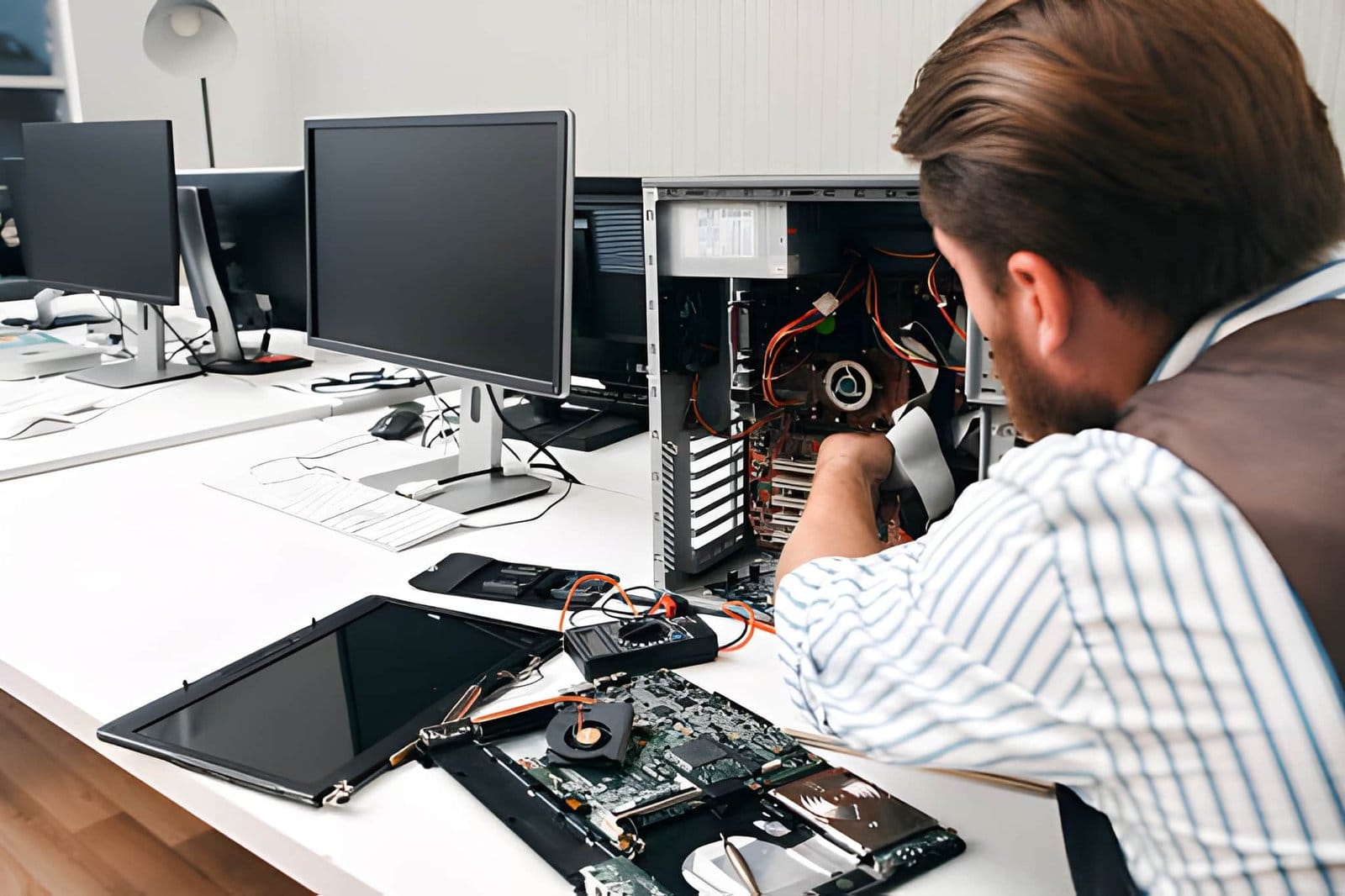
A reliable computer is essential for online meetings, school assignments, business operations, gaming, and staying connected. Akal IT Services provides computer repair and IT support for home users and businesses in Edmonton, helping customers troubleshoot common hardware and software problems.
Here are seven warning signs that your computer may need professional attention.
1. Your Computer Has Become Extremely Slow
A slow computer is one of the most common reasons people search for PC Repair Clareview services. If your desktop takes several minutes to start, applications respond slowly, or your browser freezes when multiple tabs are open, an underlying issue may be affecting performance.
Common causes include:
Too many applications launching at startup
Limited storage space
Insufficient memory for your workload
Outdated drivers or software
Malware or unwanted background processes
An aging or failing storage drive
Start by restarting your computer, closing unnecessary applications, and checking available storage. Microsoft also recommends reviewing startup applications, installing appropriate updates, and scanning for malware when troubleshooting slow Windows computers.
If these steps do not improve performance, professional diagnostics can help determine whether your PC needs software troubleshooting, a storage upgrade, additional memory, or hardware repair.
2. Your PC Frequently Freezes or Crashes
Does your computer stop responding while you are working, studying, or playing games? Frequent freezing can indicate software conflicts, overheating, memory problems, corrupted system files, or failing hardware.
Unexpected restarts and blue screen errors are particularly important to investigate. Although a single crash does not necessarily mean your computer is damaged, repeated crashes should not be ignored.
Before seeking assistance, note when the problem occurs. For example, does the computer freeze during startup, while opening a particular application, or when performing demanding tasks?
This information can help a technician narrow down the cause. Professional Computer Repair Clareview services can include hardware diagnostics, operating system troubleshooting, driver checks, and memory testing, depending on the symptoms.
Avoid repeatedly forcing shutdowns if you suspect a storage problem, especially when important files are not backed up.
3. Your Computer Overheats or Makes Unusual Noises
Computers generate heat during normal operation, but excessive temperatures can cause performance problems, unexpected shutdowns, and potential hardware damage.
Warning signs include:
Fans running loudly for long periods
A desktop or laptop becoming unusually hot
Sudden shutdowns during demanding tasks
Performance dropping during gaming
Grinding, clicking, or rattling noises
Dust buildup, blocked air vents, worn fans, or cooling system problems may contribute to overheating. Clicking or grinding sounds from a mechanical hard drive can also indicate a possible drive failure.
Keep air vents unobstructed and avoid using a laptop on soft surfaces that block ventilation. If overheating continues, arrange a professional inspection rather than opening components without the appropriate experience.
For users who depend on their computers for work or gaming, timely Computer Repair Clareview support can help identify cooling and hardware issues before they become more serious.
4. You Notice Pop-Ups, Suspicious Activity, or Malware Warnings
Unexpected advertisements, unfamiliar browser extensions, unwanted redirects, or suspicious security alerts may indicate unwanted software or a malware infection.
Other possible warning signs include:
Your browser homepage changes unexpectedly
Unknown applications appear on your computer
Security software reports a threat
Your computer becomes unusually slow
Files become inaccessible or their names change unexpectedly
Not every pop-up indicates malware, but repeated suspicious behaviour deserves attention.
Run a scan using a trusted security application, such as Windows Security, and install software updates from official sources. Avoid clicking suspicious links or downloading unknown cleanup tools.
If you suspect ransomware or serious malware, disconnect the affected device from the network when appropriate and seek professional help. Avoid entering passwords or accessing sensitive accounts from a potentially compromised computer.
A technician can investigate suspicious activity, remove unwanted software where possible, and recommend steps to improve system security.
5. Your Computer Struggles to Start
A PC that takes too long to boot, repeatedly restarts, or displays a black screen may have a startup, operating system, power, or hardware problem.
Possible causes include a failing storage drive, corrupted system files, faulty memory, loose connections, or a power supply issue.
You can begin with a few basic checks:
Confirm that the power cable is securely connected.
Check whether the monitor is switched on and connected correctly.
Disconnect unnecessary USB accessories and try restarting.
Record any error message displayed on the screen.
If your computer repeatedly fails to start, avoid reinstalling Windows or formatting the drive before checking whether important files are safely backed up.
For residents searching for Computer Repair in Edmonton, professional diagnostics can help identify whether the issue involves Windows, the storage device, memory, or another component.
6. Your Files Disappear or Your Storage Drive Shows Errors
Your computer may need immediate attention if files suddenly disappear, folders become inaccessible, or the system repeatedly reports disk errors.
Storage failure can sometimes develop gradually, but it can also happen without much warning. Important documents, family photos, business records, and school projects may be at risk.
Watch for these symptoms:
Frequent disk error messages
Files that cannot be opened
Unusual clicking from a mechanical hard drive
A drive that disappears from the computer
Repeated file corruption or unexpected system freezes
If you suspect physical drive failure, stop using the device as much as possible. Avoid running repeated repair utilities or attempting to recover files by yourself if the data is valuable.
Professional data recovery may be appropriate depending on the type and severity of the damage. Recovery is not guaranteed, so regular backups remain the best protection against permanent data loss.
7. Your Wi-Fi, Peripherals, or Applications Keep Failing
Sometimes computer problems appear as connectivity issues rather than obvious hardware failures.
Your PC may repeatedly disconnect from Wi-Fi, fail to recognize a printer, lose sound, or experience problems after a software update. These symptoms can result from incorrect settings, driver conflicts, router issues, or defective hardware.
Before requesting help, restart your router if the internet connection is affected, check cables and connections, and determine whether other devices experience the same problem.
If the issue continues, professional troubleshooting can help identify whether the source is your computer, network equipment, printer, or software configuration.
Akal IT Services offers computer and IT support for Edmonton customers, including PC troubleshooting and network-related assistance. Resolving recurring issues can help home users, students, and small businesses maintain a more reliable technology setup.
When Should You Contact a PC Repair Professional?
Consider arranging professional assistance when a problem continues after basic troubleshooting, your computer repeatedly crashes, you suspect hardware failure, or important data may be at risk.
Choosing local Clareview PC Repair Services can make it easier to discuss your symptoms and explore suitable repair options. Before approving work, ask about the diagnosis, expected cost, estimated turnaround time, and whether your files may be affected.
For urgent issues, ask whether same-day service is available. Same Day Computer Repair Clareview may be an option depending on technician availability, the problem, and whether replacement parts are required.
Get Help with Computer Problems in Clareview, Edmonton
You do not have to wait until your computer stops working completely. Recognizing these seven warning signs can help you take action early, protect important files, and reduce unnecessary downtime.
Akal IT Services provides computer repair and IT support for residential customers and businesses in Edmonton. Whether you are dealing with a slow PC, startup errors, overheating, malware concerns, or connectivity problems, describe the symptoms and ask about the available repair options.
Need help with your computer? Visit the Akal IT Services Clareview page or call 780-695-3583 to discuss your issue and request service information.
Early troubleshooting can help you make an informed decision about repairing, upgrading, or replacing your computer.
Frequently Asked Questions
1. What are the most common signs that a PC needs repair?
Common warning signs include slow performance, frequent crashes, overheating, unusual noises, startup failures, storage errors, malware symptoms, and recurring connectivity problems.
2. Where can I find PC repair services in Clareview, Edmonton?
Akal IT Services provides computer repair and IT support in Clareview and surrounding Edmonton communities. Visit its Clareview service page to review service information and contact details.
3. Is same-day computer repair available in Clareview?
Same-day appointments may be available depending on technician schedules, the type of problem, and parts availability. Contact the service provider to confirm availability before making plans.
4. Can a slow computer be repaired without replacing it?
Yes, many slow computers can be improved through software troubleshooting, removal of unwanted applications, storage cleanup, or hardware upgrades. The best solution depends on the computer’s age, condition, and actual cause of the slowdown.
5. Should I back up my files before computer repair?
Yes. Back up important documents, photographs, and other files whenever possible before repair work begins. If you suspect a failing drive, minimize further use and ask a professional about safe data recovery before attempting repairs.