Expert Tips for Maintaining Your Gaming Computer in Edmonton
Gaming computers are built for performance, speed, and high-quality graphics, but even the most advanced gaming PC requires regular maintenance to keep running smoothly. Whether you use your system for competitive gaming, streaming, content creation, or casual entertainment, proper care can extend the life of your gaming computer and prevent expensive repairs. Edmonton’s changing weather conditions, dust, and daily usage can also affect your gaming PC’s performance over time.
At Akal IT Services, we understand how important a high-performance gaming setup is for gamers and professionals. Regular maintenance not only improves gaming performance but also protects your investment from overheating, hardware damage, and unexpected system crashes. In this guide, we will cover expert tips to help you maintain your gaming computer in Edmonton and keep it performing at its best.
Keep Your Gaming PC Clean
Dust buildup is one of the most common causes of gaming computer problems. Over time, dust collects inside the computer case, cooling fans, power supply, graphics card, and vents. Excessive dust blocks airflow and causes the internal components to overheat.
To keep your gaming computer clean:
- Turn off and unplug your PC before cleaning
- Use compressed air to remove dust from fans and components
- Clean air filters regularly
- Wipe the exterior with a soft microfiber cloth
- Avoid placing your PC directly on carpeted floors
Cleaning your gaming computer every few months can improve airflow and help prevent overheating issues.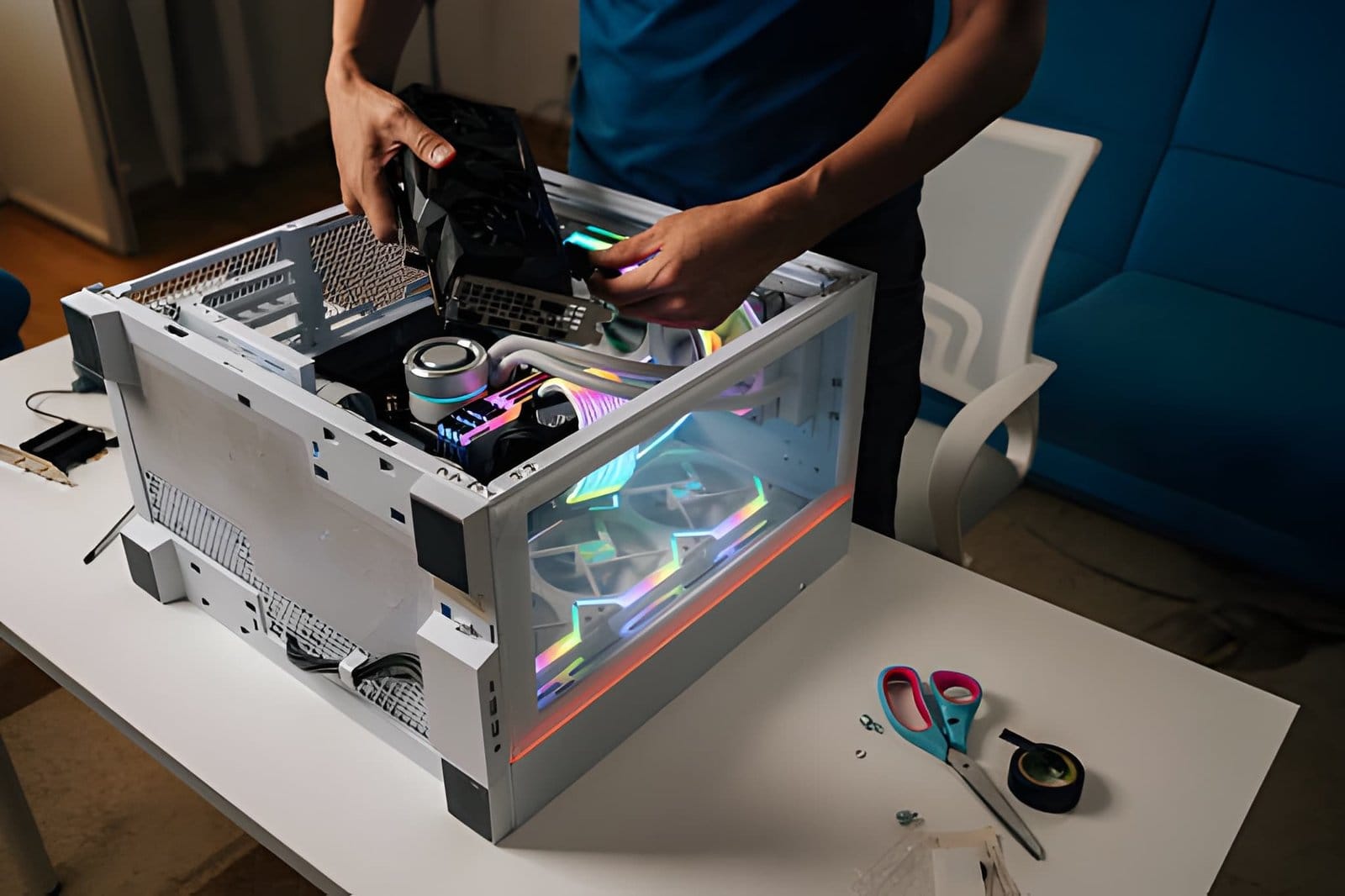
Monitor Your PC Temperature
Gaming PCs generate a lot of heat, especially during long gaming sessions or while running high-performance games. High temperatures can reduce performance and damage important hardware components over time.
You should monitor the temperature of:
- CPU
- GPU
- Motherboard
- SSD and storage drives
There are many software tools available that allow you to check system temperatures in real time. If temperatures are running too high, you may need to improve airflow, replace thermal paste, or upgrade your cooling system.
Improve Airflow and Cooling
Good airflow is essential for maintaining gaming computer performance. A poorly ventilated system traps heat inside the case, causing the processor and graphics card to work harder.
Here are some ways to improve airflow:
- Organize cables to reduce airflow blockage
- Install additional case fans
- Upgrade to liquid cooling systems
- Keep vents unobstructed
- Use high-quality cooling fans
Proper cooling is especially important for gamers in Edmonton who use high-performance gaming PCs for extended periods.
Update Drivers and Software Regularly
Outdated drivers can cause system instability, crashes, and reduced gaming performance. Graphics card manufacturers regularly release updates that improve compatibility, fix bugs, and optimize performance for new games.
Make sure you regularly update:
- Graphics card drivers
- Motherboard drivers
- Windows operating system
- Gaming software
- Antivirus software
Keeping your software updated helps your gaming computer run efficiently and securely.
Protect Your Gaming PC from Viruses and Malware
Viruses and malware can slow down your gaming PC, corrupt files, and even damage your operating system. Many gamers download mods, software, and game files online, increasing the risk of malicious downloads.
To protect your system:
- Install trusted antivirus software
- Avoid downloading files from unknown websites
- Scan external drives before use
- Keep your firewall enabled
- Perform regular malware scans
A secure gaming computer performs better and reduces the risk of data loss.
Upgrade Hardware When Needed
Gaming technology changes quickly, and older hardware may struggle to keep up with modern games. Upgrading components can significantly improve performance and extend the life of your gaming PC.
Common gaming PC upgrades include:
- Adding more RAM
- Upgrading the graphics card
- Installing faster SSD storage
- Replacing older processors
- Improving cooling systems
If your games are lagging, loading slowly, or crashing frequently, it may be time to upgrade your system.
Use a Reliable Power Supply
A quality power supply unit (PSU) is one of the most important components of a gaming PC. Cheap or failing power supplies can cause random shutdowns, overheating, and hardware damage.
Signs of PSU problems include:
- PC restarting unexpectedly
- System not powering on
- Burning smell
- Loud fan noise
- Screen flickering during gaming
Using a high-quality power supply helps protect your gaming computer from electrical issues and improves system stability.
Avoid Overclocking Without Proper Cooling
Many gamers overclock their CPU or GPU to improve gaming performance. While overclocking can boost speed, it also increases heat generation and power consumption.
If overclocking is not done properly, it can cause:
- System crashes
- Hardware overheating
- Reduced component lifespan
- Permanent hardware damage
Always ensure your gaming computer has proper cooling before attempting overclocking.
Organize Your Storage
A cluttered storage drive can slow down your gaming PC and increase loading times. Managing storage properly improves system performance and keeps your computer organized.
Storage maintenance tips:
- Remove unnecessary files
- Uninstall unused games
- Use SSDs for faster loading speeds
- Backup important files regularly
- Keep at least 15-20% free storage space
Efficient storage management can improve overall gaming performance and system responsiveness.
Maintain Internet and Network Performance
Online gaming requires a stable internet connection. Slow internet speeds and network interruptions can affect gameplay and increase lag.
To improve network performance:
- Use wired Ethernet connections when possible
- Restart your modem and router regularly
- Update router firmware
- Limit background downloads during gaming
- Use quality networking equipment
A stable network connection provides smoother multiplayer gaming experiences.
Backup Your Important Data
Gamers often store large amounts of data, including saved games, screenshots, videos, and personal files. Hardware failures or malware attacks can result in permanent data loss.
Regular backups help protect:
- Game saves
- Personal documents
- Streaming content
- Photos and videos
- Work-related files
You can use external drives or cloud storage solutions to keep your data safe.
Keep Your Gaming Area Clean
The environment around your gaming setup also affects computer performance. Dusty rooms, poor ventilation, and high humidity levels can impact hardware reliability.
Tips for maintaining a clean gaming environment:
- Vacuum the room regularly
- Keep drinks away from the PC
- Maintain proper room ventilation
- Avoid smoking near electronics
- Use surge protectors for electrical safety
A clean environment reduces dust buildup and improves airflow.
Schedule Regular Maintenance
Preventive maintenance is the best way to avoid major gaming computer problems. Regular inspections help identify issues before they become expensive repairs.
Professional maintenance services can include:
- Internal cleaning
- Thermal paste replacement
- Hardware testing
- Virus removal
- System optimization
- Cooling system inspection
At Akal IT Services, we help gamers in Edmonton maintain their gaming computers with professional repair, upgrade, and maintenance services.
Signs Your Gaming PC Needs Professional Repair
Even with regular maintenance, gaming computers can develop problems over time. Some warning signs should not be ignored.
Common signs include:
- Frequent crashes or freezing
- Overheating during gameplay
- Loud fan noise
- Slow startup times
- Blue screen errors
- Games not loading properly
- Random shutdowns
If you notice these issues, it is important to seek professional assistance before the problem worsens.
Benefits of Professional Gaming Computer Maintenance
Professional maintenance offers several advantages for gamers who want long-lasting performance and reliability.
Benefits include:
- Improved gaming performance
- Longer hardware lifespan
- Reduced overheating
- Faster load times
- Better system stability
- Protection against data loss
- Early detection of hardware issues
Professional technicians can also recommend upgrades that match your gaming needs and budget.
Final Thoughts
Maintaining your gaming computer is essential for smooth gameplay, faster performance, and long-term reliability. Regular cleaning, proper cooling, software updates, and hardware upgrades can help prevent common gaming PC problems and extend the life of your system.
Whether you are a casual gamer or a competitive player, taking care of your gaming PC will help you avoid costly repairs and improve your gaming experience. If you need professional support, repairs, upgrades, or diagnostics, Akal IT Services provides trusted gaming computer maintenance solutions in Edmonton. From hardware upgrades to system optimization, expert technicians can help keep your gaming setup running at peak performance all year long.