On-Site Computer Repair Winnipeg: Fast Local Help at Your Door Winnipeg?
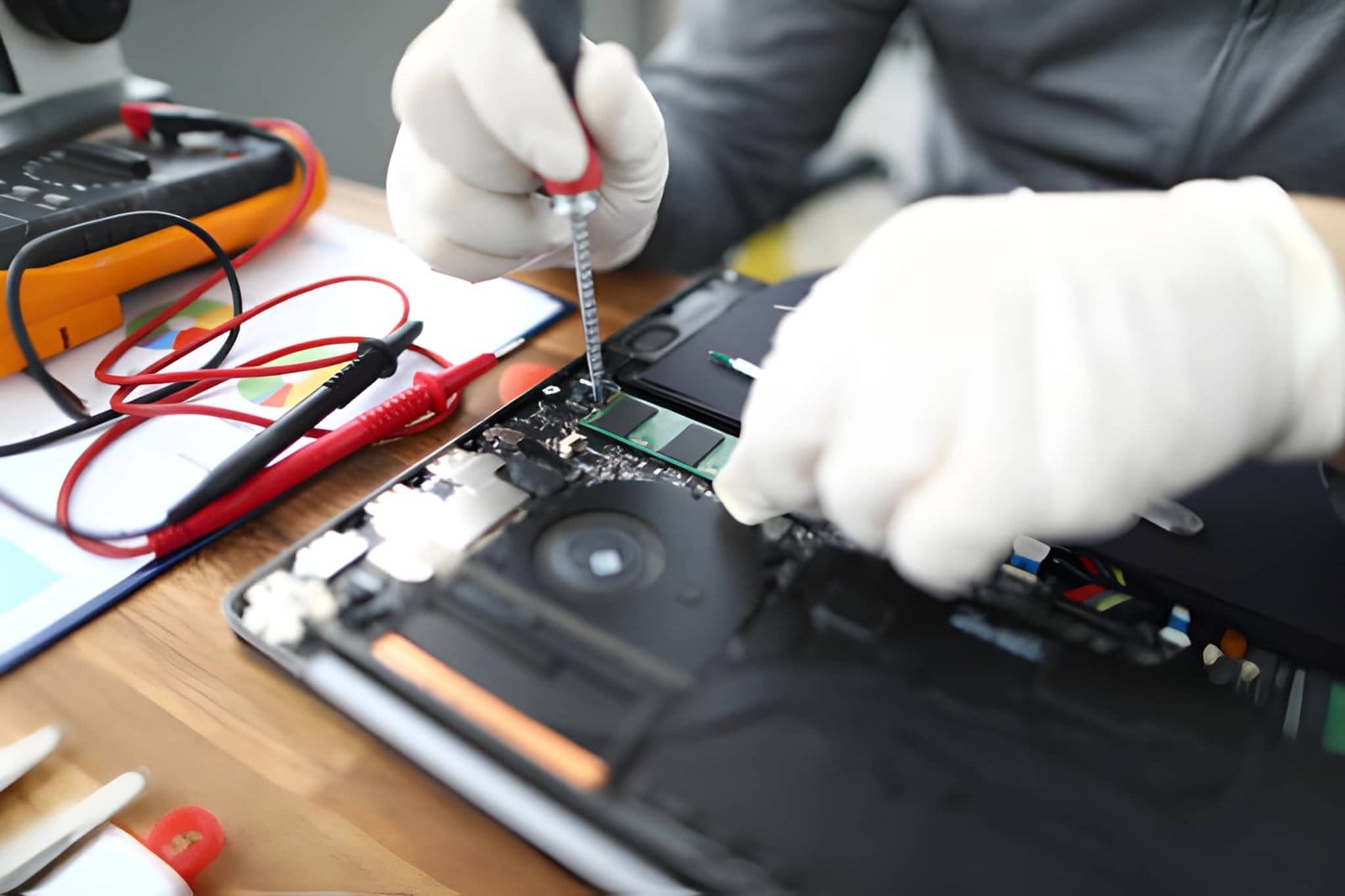
Computer problems can happen when you least expect them. A slow desktop, failed laptop, network problem, or software error can interrupt your work and daily routine.
Instead of disconnecting your computer and carrying it to a repair shop, On-Site Computer Repair Winnipeg brings professional technical support directly to your home or workplace.
This convenient service can save time and reduce disruption. A technician can inspect your equipment in its normal environment, identify the problem, and recommend a practical solution.
Whether you are a homeowner, remote worker, student, or business owner, on-site support can make computer repairs easier.
What Is On-Site Computer Repair?
On-site computer repair means a technician visits your home, office, or another suitable location to troubleshoot and repair your computer.
The technician can examine your actual setup. This is especially helpful when the problem involves multiple devices, networking, printers, Wi-Fi, or office equipment.
Depending on the issue, on-site support may include:
- Computer diagnostics
- Hardware troubleshooting
- Software troubleshooting
- Virus and malware removal
- Network troubleshooting
- Printer setup
- Computer upgrades
- Performance optimization
- Wi-Fi problems
- Device configuration
- Data backup assistance
If a problem requires specialized workshop equipment, the technician can explain the next steps.
Why Choose On-Site Computer Repair Winnipeg?
Convenience is one of the biggest benefits.
You do not need to disconnect cables, transport a heavy desktop, or spend time waiting at a repair location. Instead, technical help comes to you.
On-site service can also provide a better understanding of your setup.
For example, a computer may work correctly by itself but experience problems when connected to your printer, router, external drive, or other devices. A technician can inspect the complete environment.
How Can On-Site Repair Help Home Users?
Home computers are used for work, education, entertainment, communication, and personal projects.
A computer problem can therefore affect several parts of your day.
Home Computer Repair Winnipeg can help with issues such as:
- Slow computers
- Windows problems
- Internet connection issues
- Printer problems
- Software errors
- Malware
- Email setup
- Computer upgrades
- Backup solutions
Instead of trying multiple online fixes, you can have the problem professionally assessed.
Can Businesses Benefit From On-Site Computer Repair?
Yes. Businesses often depend on computers for daily operations.
A technical issue can affect employees, customers, communication, and productivity.
Business Computer Repair Winnipeg can help address problems involving:
- Office computers
- Network connections
- Printers
- Wi-Fi
- File access
- Software
- Workstations
- Hardware
- Data backups
On-site support can be particularly useful when several devices are experiencing the same problem.
For example, if multiple employees cannot connect to the internet, checking each computer separately may not solve the issue. The real problem could be the network, router, or configuration.
What Computer Problems Can Be Fixed On-Site?
Many common problems can be diagnosed and resolved at your location.
These may include:
Slow Computer Performance
A slow PC may be caused by limited storage, insufficient RAM, unnecessary startup programs, malware, or outdated hardware.
A technician can evaluate the system and recommend maintenance or upgrades.
Internet Problems
Slow or unreliable internet may result from Wi-Fi configuration, network hardware, driver issues, or signal problems.
On-site troubleshooting allows the technician to inspect the actual network environment.
Printer Problems
Printers can stop working because of connection issues, outdated drivers, configuration errors, or hardware problems.
On-site support can help connect printers and computers correctly.
Software Errors
Applications may crash, fail to install, or produce repeated errors.
A technician can investigate the software environment and identify possible causes.
Malware and Security Issues
Suspicious pop-ups, unusual system behavior, and unexpected applications can indicate malware.
Professional assistance can help identify security problems and improve your computer’s protection.
When Should You Call PC Repair In Winnipeg?
Some computer problems are temporary. Others require professional attention.
Consider PC Repair In Winnipeg when:
- Your computer repeatedly crashes.
- Your PC will not start.
- Performance has become extremely slow.
- Your computer overheats.
- Important files are inaccessible.
- Your printer will not connect.
- Wi-Fi keeps disconnecting.
- Software repeatedly fails.
- You suspect malware.
- You need a hardware upgrade.
Getting help early may prevent a small issue from becoming a larger problem.
How Can On-Site Repair Save You Time?
Traditional repair often requires you to transport the computer.
That can be inconvenient, especially with desktop computers and office equipment.
With On-Site Computer Repair Winnipeg, the technician comes to your location. This means you can avoid transporting equipment and can explain the problem directly.
For businesses, this can also reduce unnecessary downtime.
The technician can work directly with the existing setup and identify problems that may not be obvious when a computer is tested separately.
What Should You Prepare Before the Technician Arrives?
A little preparation can make the repair visit more efficient.
Before the appointment:
- Write down the symptoms.
- Note when the problem started.
- Keep relevant passwords available when appropriate.
- Save important files if possible.
- Make sure the computer is accessible.
- Gather information about recent changes or installations.
If the computer is still working, back up important files before major troubleshooting.
How to Choose a Local Computer Repair Company?
Choosing the right repair provider is important.
Look for a company that offers:
- Experienced technicians
- Local service
- Clear pricing
- Professional diagnostics
- Quality replacement parts
- Multiple repair options
- Good customer reviews
- Repair warranties
- Responsive customer service
Most importantly, choose a provider that explains the problem before recommending expensive repairs.
A professional technician should help you understand whether repair, maintenance, or replacement is the most practical option.
Why Choose Akal IT Services?
Akal IT Services provides computer repair and technical support for Winnipeg homes and businesses.
Our approach focuses on identifying the actual cause of a computer problem rather than simply replacing components.
With On-Site Computer Repair Winnipeg, local users can receive convenient technical assistance without the hassle of transporting their equipment.
Support may include computer troubleshooting, hardware repairs, software assistance, network troubleshooting, printer support, computer upgrades, performance optimization, and general Computer Repair Services Winnipeg.
Whether you have one computer at home or several devices in a workplace, professional assistance can help keep your technology working reliably.
How Can You Prevent Future Computer Problems?
Repairing a computer is important, but prevention is even better.
Follow these simple practices:
- Keep your operating system updated.
- Install security updates.
- Use reputable security software.
- Back up important files.
- Keep computers clean and dust-free.
- Maintain adequate storage space.
- Avoid suspicious downloads.
- Keep cables organized.
- Protect equipment from spills.
- Address warning signs early.
Regular maintenance can improve reliability and help extend the useful life of your computer.
Frequently Asked Questions
What is on-site computer repair?
On-site computer repair is a service where a technician visits your home or business to diagnose and resolve computer, network, software, or hardware problems.
Is on-site repair better than taking a computer to a shop?
It depends on the problem. On-site repair is especially convenient when the issue involves networks, printers, multiple devices, or a computer that is difficult to transport.
Can businesses use on-site computer repair?
Yes. Businesses can use on-site support for workstation problems, network issues, printers, software, hardware, and other technical problems.
How quickly can a computer problem be fixed?
The time depends on the cause and complexity of the problem. Some issues can be resolved during the visit, while hardware failures or specialized repairs may require additional work.
Should I repair or replace my computer?
That depends on the computer’s age, condition, specifications, and repair cost. A professional diagnosis can help you compare your options.
Computer problems can interrupt your work, business, education, and everyday activities. Fortunately, you do not always need to transport your equipment to get professional help.
On-Site Computer Repair Winnipeg provides a convenient way to troubleshoot computers directly at your home or workplace.
From slow performance and software errors to network, printer, hardware, and security problems, professional support can help identify the right solution.
If you need reliable Computer Repair Winnipeg, on-site assistance can save time and make the repair process more convenient.
For Winnipeg homeowners and businesses, getting professional help early can reduce downtime, protect important data, and keep computers performing reliably.